- Average order value (AOV) is revenue divided by the number of orders in the same period.
- Free shipping thresholds, bundles and cross-sells in the cart are the fastest levers for most stores.
- Every tactic should be judged on profit per order, not on AOV alone. A discount that raises AOV can lower margin.
- Change one thing at a time and compare AOV, conversion rate and margin over at least two to four weeks.
Contents 16 sections
- How do you measure average order value correctly?
- 1. Set a free shipping threshold above your average order
- 2. Offer bundles
- 3. Show cross-sells on the product page
- 4. Add complementary items in the cart
- 5. Upsell to a better version
- 6. Use quantity discounts
- 7. Give a gift above a set order amount
- 8. Offer an upsell after purchase
- 9. Offer pay-later options
- 10. Run a loyalty or points program
- 11. Sell subscriptions for consumables
- 12. Personalize recommendations
- Which tactics hurt more than they help?
- How do you test whether a change worked?
- Which tactics should you try first?
Average order value (AOV) is the average amount a customer spends per order, calculated as revenue divided by the number of orders. Raising it is often cheaper than finding new buyers, because you already paid to bring the visitor to the store. Below are 12 ways to increase AOV, where each one works best and how to check that it adds profit, not only revenue.
How do you measure average order value correctly?
Take product revenue after discounts and before shipping and taxes, then divide it by the number of orders in the same period. Shopify and WooCommerce reports show AOV directly, and Google Analytics 4 shows it in the ecommerce purchases report if purchase tracking is set up. Track three numbers together, AOV, conversion rate and margin per order. A tactic that lifts AOV but drops conversion can lower total profit.
1. Set a free shipping threshold above your average order
A threshold slightly above the current AOV gives people a reason to add one more item. Show the remaining amount in the cart and in the mini cart, for example "Add 12 dollars more for free shipping". A threshold far above typical orders is ignored, and one below the average gives away shipping for nothing.
2. Offer bundles
Group products that are bought together, such as a camera with a memory card and case, or a skincare routine of three steps. Price the bundle a little lower than the items separately. Bundles work best when they solve a complete task for the buyer.
3. Show cross-sells on the product page
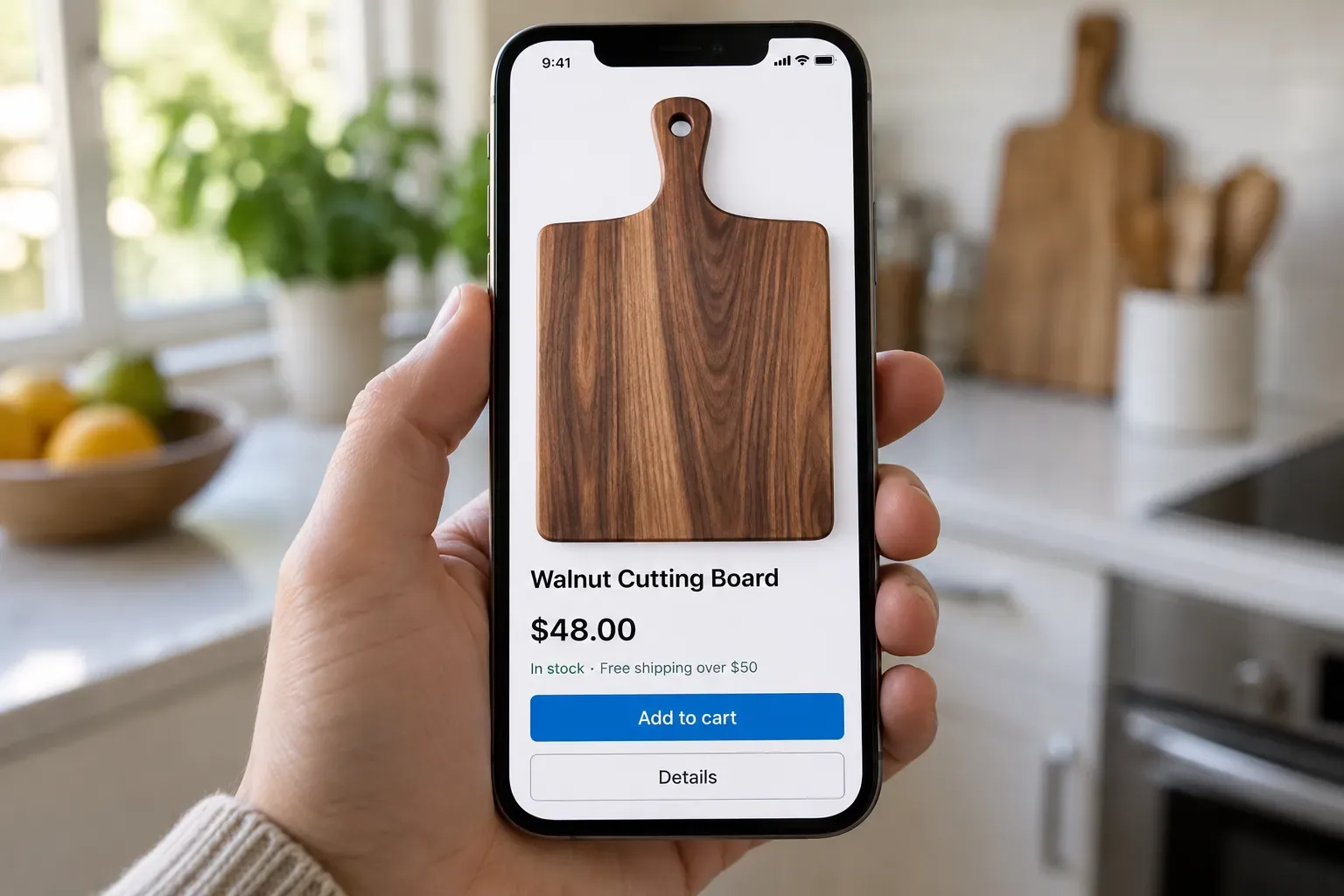
A "Goes well with" block next to the add-to-cart button suggests accessories and consumables. Keep it short, two to four items, and choose them by what people actually buy together, not by what you want to clear from stock.
4. Add complementary items in the cart
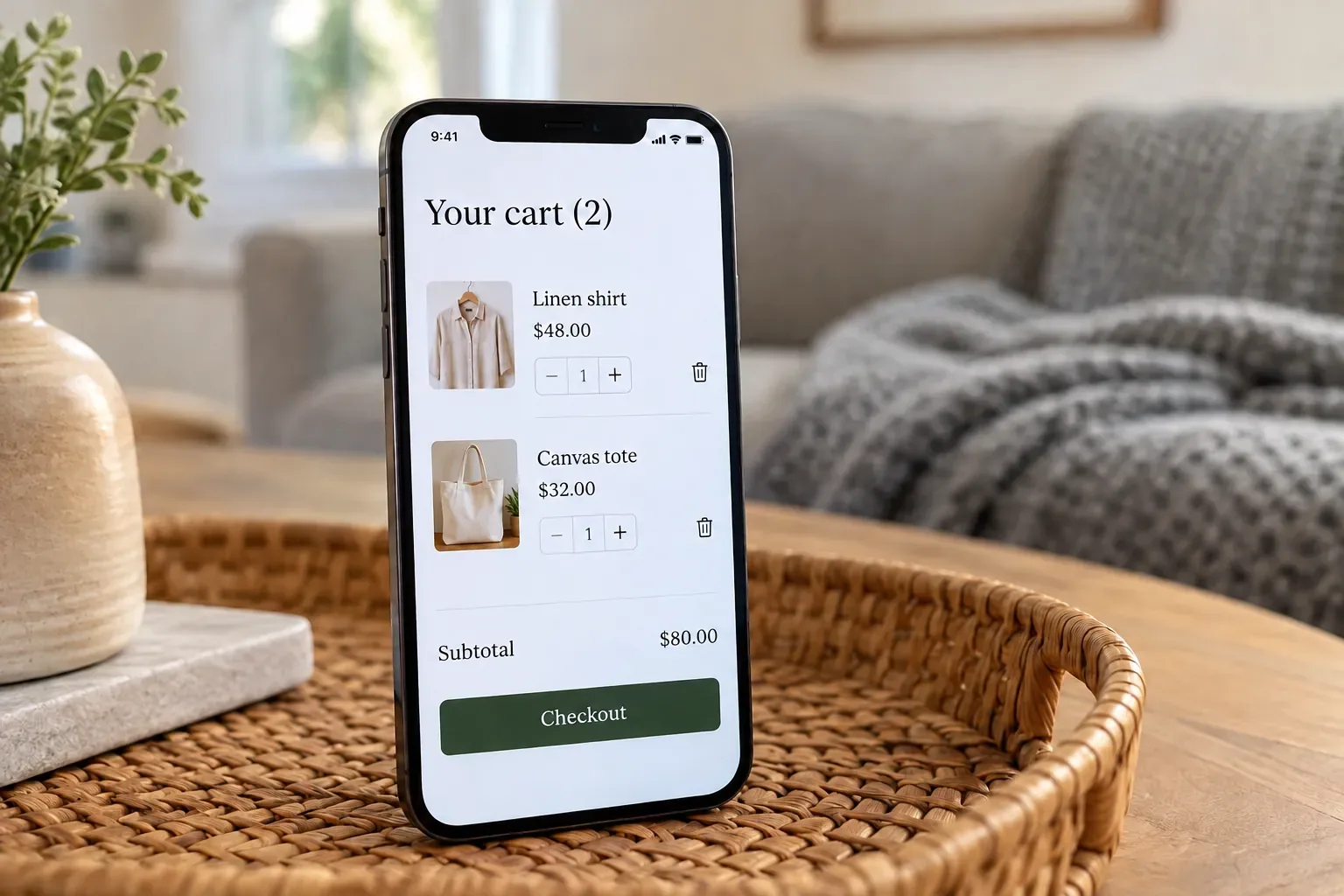
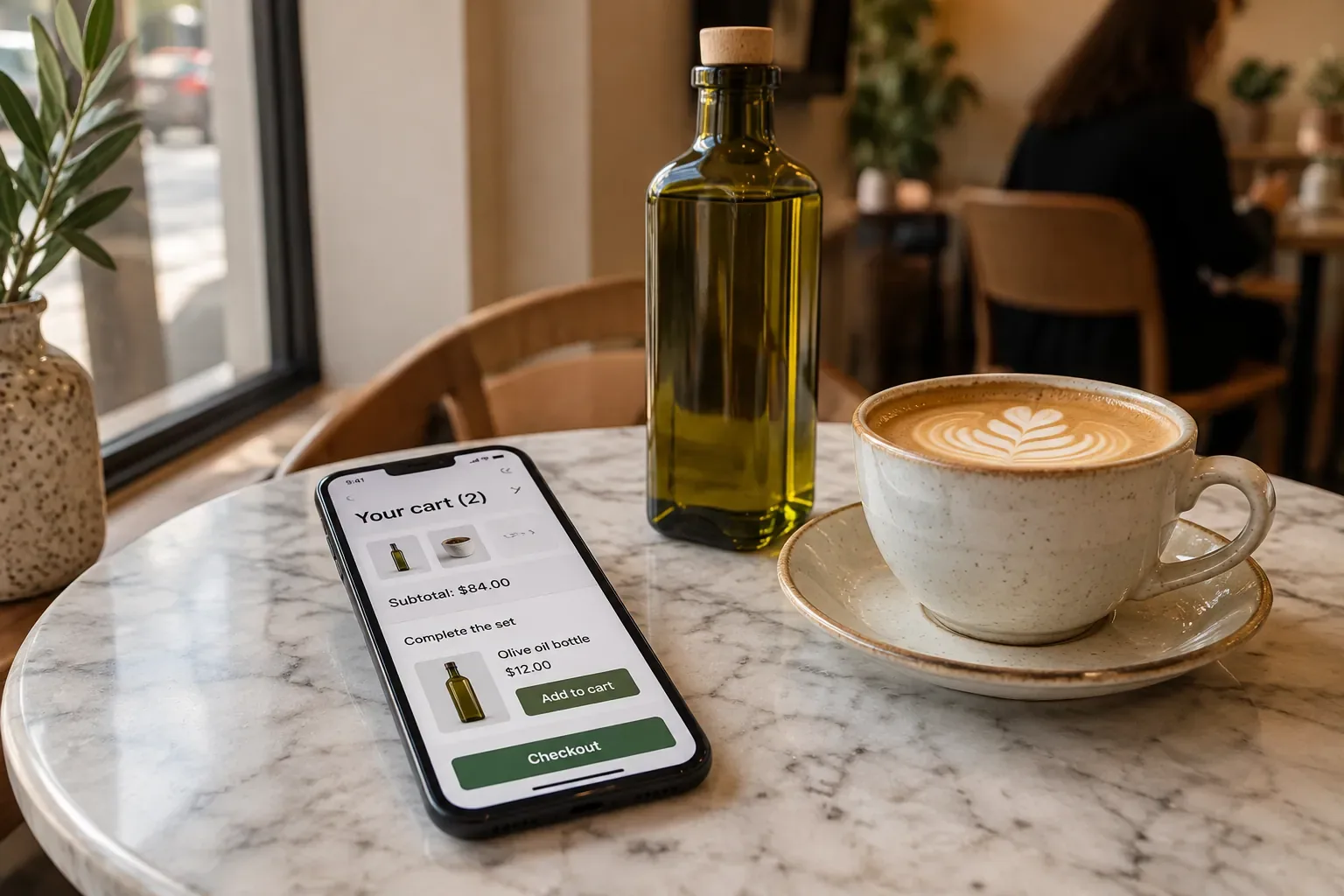
The cart is the last moment before checkout. Small, low-priced items that fit the order, such as batteries, care products or gift wrap, are easy to add without leaving the cart.
5. Upsell to a better version
On the product page, show the next model up with a clear difference, such as more capacity or a longer warranty. Upsells work when the difference is easy to understand and the price gap is modest.
6. Use quantity discounts
"Buy 2, save 10 percent" or tiered prices work for consumables, gifts and items people buy in sets. Check margins first, because the discount comes out of profit on every order that would have been larger anyway.
7. Give a gift above a set order amount
A free sample, travel-size product or accessory above a set amount raises orders without cutting the product price. It also lets buyers try products they have not bought before. Show the progress toward the gift in the cart, just like a free shipping bar.
8. Offer an upsell after purchase
On the thank-you page or in the confirmation email, offer one product that fits the order, with one-click adding to the same shipment. The buyer has already decided, so the offer does not compete with the main purchase.
9. Offer pay-later options
Installment services such as Shop Pay Installments, Klarna, Afterpay and Affirm let buyers split a larger order into parts. Stores with higher-priced items often see larger baskets when the per-payment amount is shown on the product page. Check the provider's fees against your margins.
10. Run a loyalty or points program
Points for every dollar spent, with a reward at a set level, encourage repeat buyers to reach the next reward sooner. Keep the rules simple enough to explain in one line.
11. Sell subscriptions for consumables
Coffee, supplements, pet food and cosmetics suit subscriptions. A subscription often comes with a small discount and raises the lifetime value of the customer, even if each order is not larger.
12. Personalize recommendations
"You viewed" and "Customers also bought" blocks, based on real order data, bring relevant items back into view. On a store with many products, this works better than manually chosen cross-sells.
Which tactics hurt more than they help?
- Pop-ups before checkout. A modal with offers between the cart and payment interrupts the buyer at the worst moment.
- Pre-checked add-ons. Adding insurance or extras to the cart by default causes complaints, refunds and chargebacks.
- Too many suggestions. Ten recommended products on every page make choosing harder and push the add-to-cart button down.
- Permanent sitewide discounts. Buyers learn to wait for the next sale, and the discount becomes the normal price.
How do you test whether a change worked?
Write down the current AOV, conversion rate and margin per order for the last four weeks before you change anything. Make one change and leave it for at least two to four weeks, longer for stores with fewer than a few hundred orders a month. Compare the same metrics, adjusted for seasons, holidays and changes in ad spend. If your platform supports it, an A/B test that shows the change to half of visitors gives a cleaner answer. Keep a short log of what changed and when, so you can explain jumps in the numbers later.
Which tactics should you try first?
For most stores, start with the free shipping threshold, cart cross-sells and bundles. They take little setup and work on every order. Change one thing at a time and compare two to four weeks of data with the period before, adjusted for season and ad spend. If AOV rises and conversion holds, keep the change and move to the next one.
Many of these features need the right store setup, such as a shipping bar in the cart, gift rules by order amount or related products. We build them into the stores we develop, and you can see how they look in our case studies.
Questions and answers
How do you calculate average order value?
Divide total revenue by the number of orders for the same period. If a store made 45,000 dollars from 600 orders in a month, the AOV is 75 dollars. Use revenue after discounts and before shipping and taxes, so the number reflects what customers spend on products.
What is a good average order value?
There is no universal number. AOV depends on the product category and price range. Compare your store with its own history and watch whether AOV grows without a drop in conversion rate or margin.
Do free shipping thresholds really increase order value?
They often do, when the threshold sits a little above your current average order. If most orders are well below the threshold, people ignore it. If it is below the average, you give away shipping without changing behavior.
Can a higher AOV hurt a store?
Yes, when it comes from deep discounts or when pushy offers lower the conversion rate. Track revenue per visitor and margin per order together with AOV.
Thank you. Share the article with someone who needs it.
Tell us what was missing in the article and we will reply. Ask a question