- A small business's monthly test budget equals expected cost per click times clicks needed, such as $5 per click and 150 clicks for $750 per month.
- Divide the monthly budget by 30.4 to get the daily budget you enter in Google Ads.
- Cost per click depends on niche, city, competition and ad quality, so check your own keywords in Google Keyword Planner.
- Targeting a narrow area, using search campaigns only, adding negative keywords and running ads in business hours help a small budget go further.
- Judge the budget after reaching planned test clicks and several conversions, because no budget guarantees a specific number of leads.
Contents 6 sections
- How Do I Calculate My Starting Monthly Google Ads Budget?
- What Does a Test Budget Look Like at Different Costs per Click?
- How Does a Monthly Budget Become a Daily Budget in Google Ads?
- How Can a Small Budget Go Further?
- What Do You Pay Google and What Do You Pay Us?
- When Should You Raise, Cut or Shift the Budget?
A small business can start Google Ads with a monthly test budget equal to its expected cost per click multiplied by the clicks it needs. For example, assuming $5 per click and 150 test clicks, the budget is $750 per month, or about $25 per day. At an assumed 5% conversion rate, those clicks would bring about 7 leads. Your numbers depend on your niche, city and competition. Divide the monthly amount by 30.4 to get the daily budget you enter in Google Ads.
How Do I Calculate My Starting Monthly Google Ads Budget?
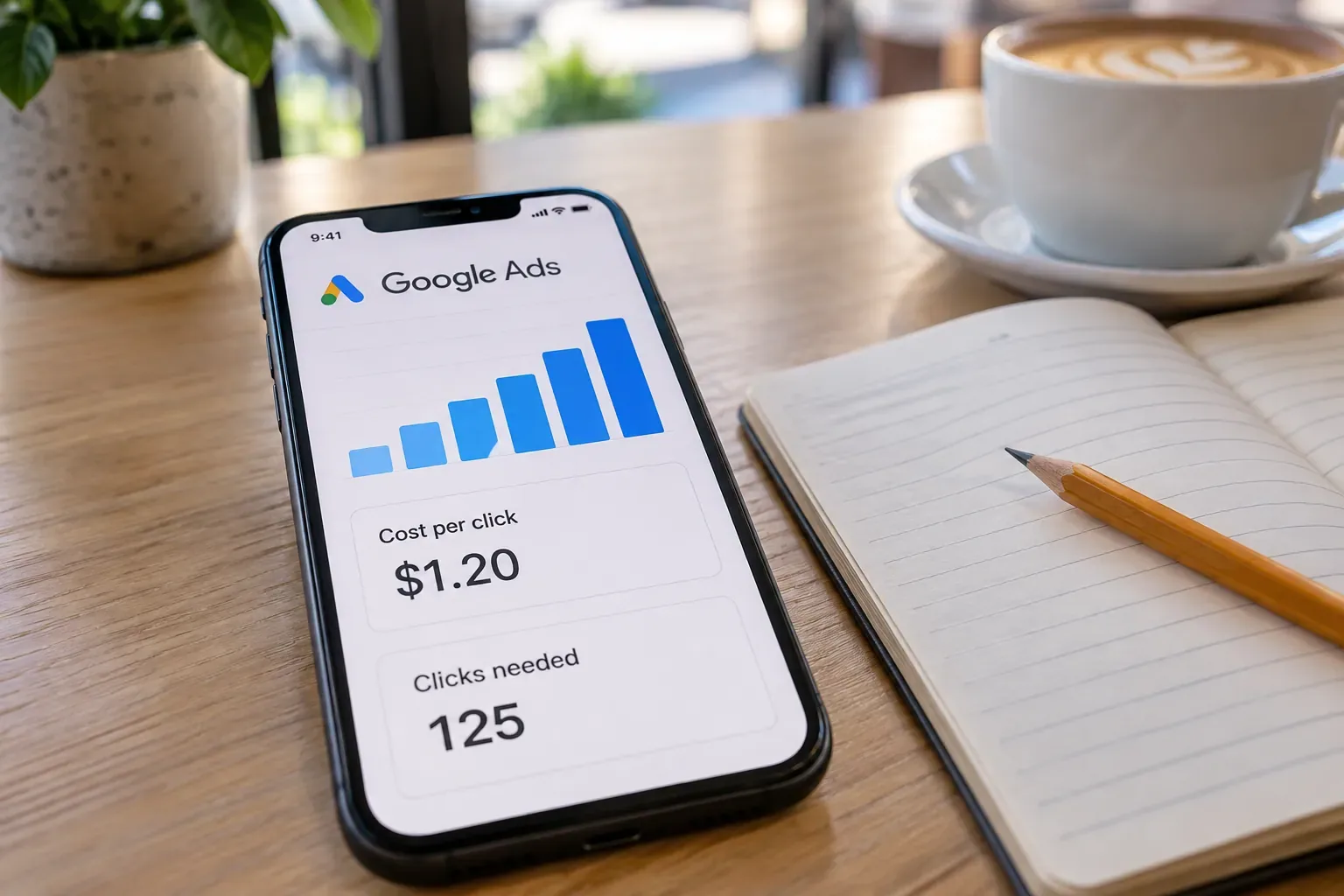
The formula is cost per click × clicks needed = monthly test budget. To find the click count, divide the number of conversions you want to see by your expected conversion rate. For example, 5 conversions at a 4% rate means about 125 clicks.
Cost per click usually depends on four things:
- Niche. Services such as emergency plumbing, legal help or dental implants may cost more per click than a bakery or a dog groomer. Check your own keywords in Google Keyword Planner.
- City. Clicks in large metro areas may cost more than in smaller towns. This varies by keyword, so compare locations in Keyword Planner.
- Competition. The more advertisers bid on the same keywords, the higher the price.
- Ad quality. An ad and landing page that closely match the search can help lower cost per click. They do not guarantee a lower price, because bids and other auction factors also count.
What Does a Test Budget Look Like at Different Costs per Click?
The table uses assumed costs per click and click counts to show the math. Real prices change by keyword, city and month. Open Google Keyword Planner, enter your main keywords, set the location to your service area and use the "top of page bid" range as your cost per click.
| Cost per click (example) | Clicks for a test (example) | Monthly budget | Daily budget (÷ 30.4) |
|---|---|---|---|
| $2 | 200 | $400 | about $13 |
| $5 | 150 | $750 | about $25 |
| $10 | 100 | $1,000 | about $33 |
| $20 | 100 | $2,000 | about $66 |
How Does a Monthly Budget Become a Daily Budget in Google Ads?
Google Ads works with an average daily budget, so you enter your monthly amount divided by 30.4. On busy days Google may spend up to twice the daily budget. If the average daily budget stays the same for the whole calendar month, Google will not charge more than the daily budget × 30.4. Changing the budget mid-month changes that limit.
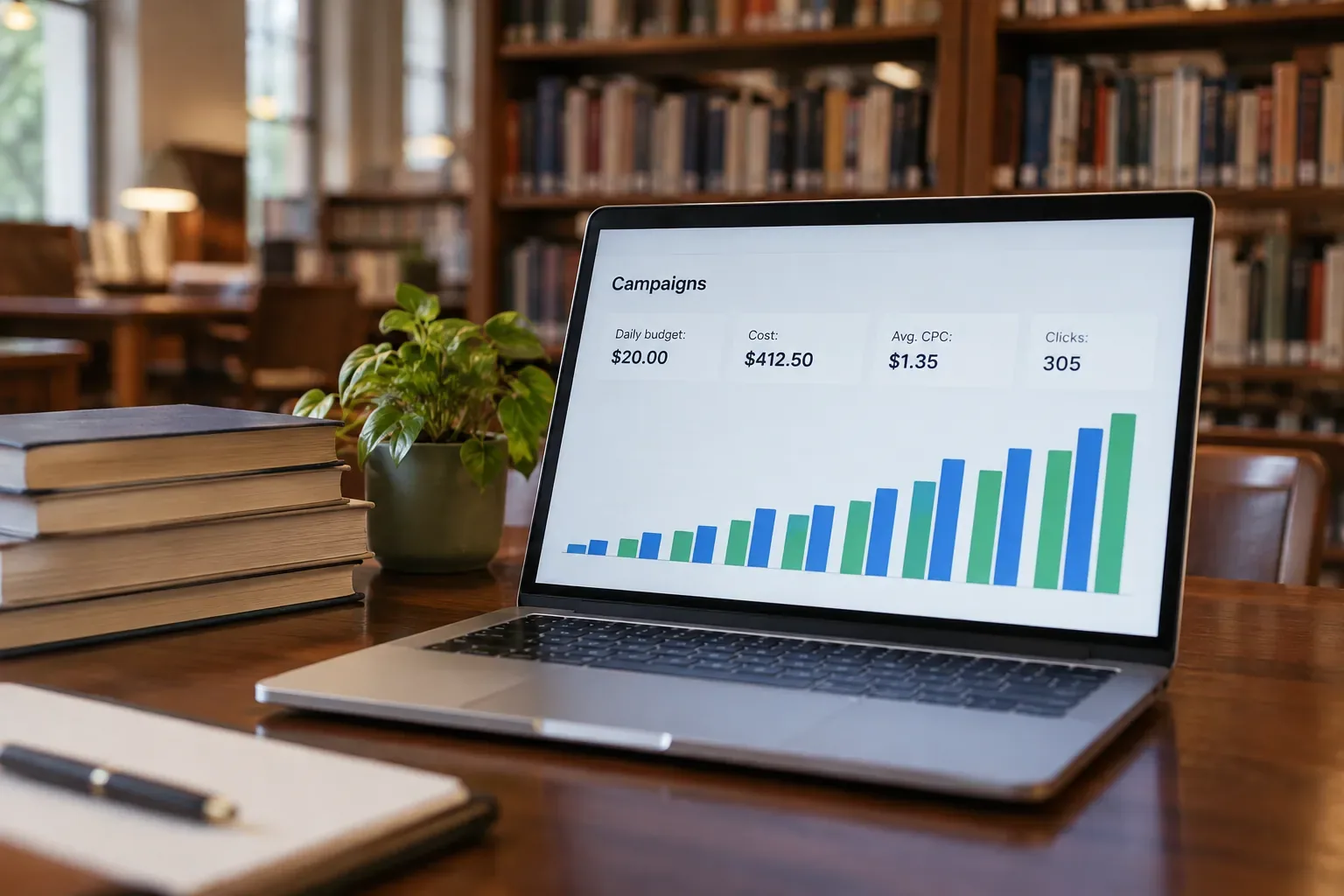
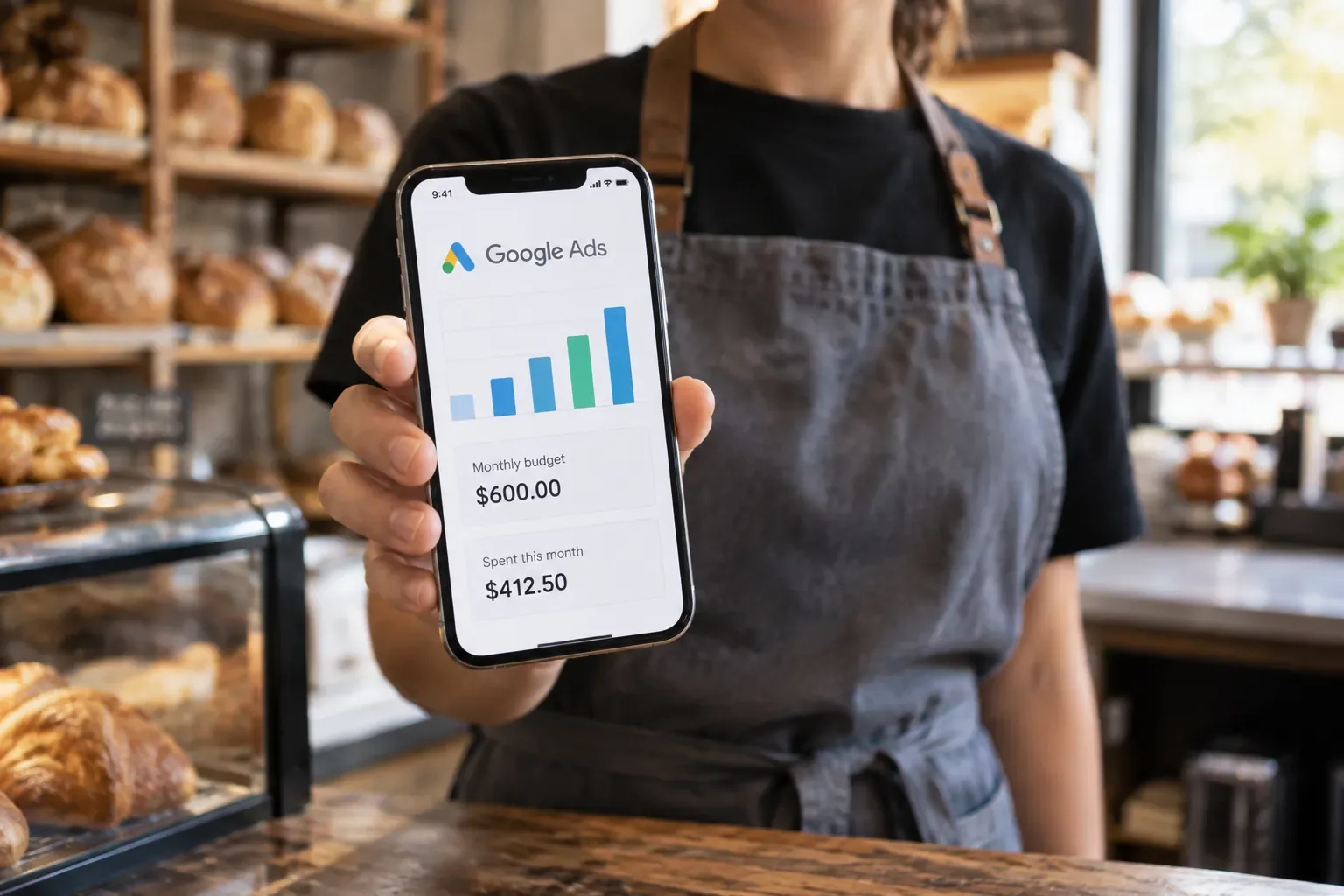
A $600 monthly plan means a daily budget of about $19.70. Some days will show $30 in spend and others $10.
How Can a Small Budget Go Further?
A small budget performs better when every click comes from a likely customer.
- Narrow geography. Target your service area or one city instead of the whole state.
- Search campaigns only. Start with high-intent keywords such as "water heater repair near me" and skip Display.
- Negative keywords. Exclude searches like "jobs", "free" and "DIY".
- Ad schedule. Show ads during business hours, when someone can answer the phone.
What Do You Pay Google and What Do You Pay Us?
You pay two separate amounts. The ad budget goes directly to Google from your own account. Our Google Ads management costs $100/mo per month and does not include the ad budget.
We set up conversion tracking before launch, including server-side tracking, which can help pass more leads and purchases to Google when the browser blocks pixels (some conversions may still be missed). Reports show spend, leads and cost per lead, and the first test month gives you your own benchmark.
When Should You Raise, Cut or Shift the Budget?
Judge the budget once you reach your planned test clicks and have several conversions to compare, not after the first few days. The first week is often uneven while Google learns.
- Raise the budget when cost per lead suits your margins and campaigns hit their daily limit.
- Cut keywords or campaigns that spend money without conversions.
- Shift money toward the keywords, locations and hours that bring leads at a lower cost.
Results depend on your offer, prices and landing page, so no budget guarantees a specific number of leads.
Questions and answers
What should my daily budget be for Google Ads as a small business?
Your daily budget should equal your monthly test budget divided by 30.4, so $600 per month becomes about $19.70 per day. Google may spend up to twice that on some days. If the average daily budget stays unchanged all calendar month, total spend will not exceed the daily budget × 30.4.
Are Google Ads still worth it for a small business in 2026?
Google Ads can still pay off for small businesses in 2026 when people actively search for the service, such as repairs, clinics or local stores. The return depends on cost per click, your offer and measurement. You can track results with Google Ads conversion tracking for calls and forms, GA4 or a CRM.
Is $500 a month enough to start Google Ads for a local business?
$500 a month is enough for a first test in many local niches. It comes to about $16.45 per day, and at an assumed $5 per click it buys about 100 clicks. Narrow the geography and use only high-intent keywords. In expensive niches, the same amount gives fewer clicks and slower conclusions.
How long should I run Google Ads before deciding if the budget works?
Run Google Ads until you collect your planned test clicks and several conversions to compare, which takes longer on a small daily budget. Decisions after a few days reflect Google's learning period. Then compare cost per lead across keywords, locations and hours, and raise, cut or shift the budget.
Does a Google Ads management fee include the ad budget?
No, the management fee does not include the ad budget. At Bravo Digital, Google Ads management costs $100/mo per month, and you pay the ad budget directly to Google from your own account. The fee covers campaign setup and ongoing management, while Google bills every click separately. To get a written budget estimate for your niche and city, send your details through our contact page.
Thank you. Share the article with someone who needs it.
Tell us what was missing in the article and we will reply. Ask a question