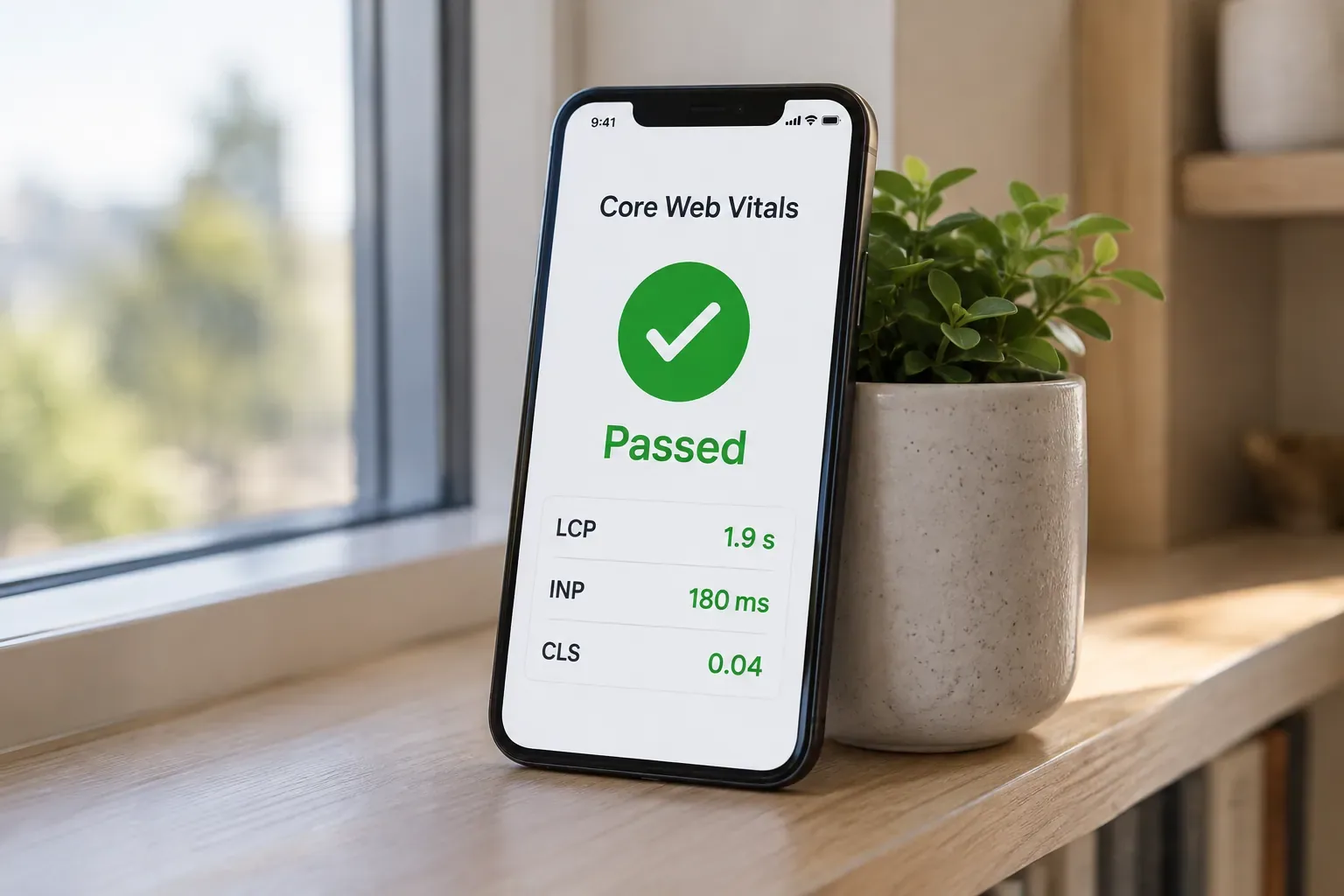
- Core Web Vitals are three metrics of loading (LCP), responsiveness (INP) and visual stability (CLS).
- Google's good thresholds are LCP up to 2.5 seconds, INP up to 200 ms and CLS up to 0.1, measured on real visitors.
- Field data from real Chrome users counts for search, the lab score helps find the cause.
- Most failures come from heavy images, too much JavaScript and elements without reserved space.
Contents 10 sections
- What are the three Core Web Vitals?
- Why should a business owner care about them?
- How do you check Core Web Vitals for your site?
- What causes a poor LCP and how do you fix it?
- What causes a poor INP and how do you fix it?
- What causes a high CLS and how do you fix it?
- Do Core Web Vitals depend on the platform?
- What are the common myths about Core Web Vitals?
- How do you keep Core Web Vitals good after fixing them?
- Which pages should you fix first?
Core Web Vitals are three measurements Google uses to judge how a page feels to real visitors. Largest Contentful Paint (LCP) measures loading, Interaction to Next Paint (INP) measures how fast the page responds to taps and clicks, and Cumulative Layout Shift (CLS) measures how much the layout jumps. A page passes when at least three quarters of visits meet Google's thresholds for all three.
What are the three Core Web Vitals?
| Metric | What it measures | Good | Poor |
|---|---|---|---|
| Largest Contentful Paint (LCP) | When the largest image or text block in the first screen appears | 2.5 s or less | Over 4 s |
| Interaction to Next Paint (INP) | Delay between a tap or click and the visible response | 200 ms or less | Over 500 ms |
| Cumulative Layout Shift (CLS) | How much visible content moves unexpectedly | 0.1 or less | Over 0.25 |
Google looks at the 75th percentile of visits, so the experience has to be good for most visitors, including those on older phones and slower connections.
Why should a business owner care about them?
Google uses Core Web Vitals in its page experience signals, and it evaluates the mobile version of your site first. More important for a business, each metric describes a moment where people leave. A slow LCP means a blank screen while an ad click is being paid for. A poor INP means a button that does not react, so people tap twice or give up on the form. A high CLS means someone taps "Call" and hits a banner that just slid in.
How do you check Core Web Vitals for your site?
- PageSpeed Insights. Enter a page address. The top block shows field data from real Chrome users if your page has enough traffic. The lower block is a lab test with a list of causes.
- Search Console. The Core Web Vitals report groups your pages into good, needs improvement and poor, separately for mobile and desktop, based on 28 days of data.
- Chrome DevTools. The Performance panel shows live LCP, INP and CLS while you click through your own site.
Field data decides whether you pass. The lab test is useful for finding why, because it runs the same conditions each time.
What causes a poor LCP and how do you fix it?
LCP is usually the hero image or the main heading. It is slow for four reasons.
- Slow server response. Fix it with page caching, a CDN and better hosting.
- Render-blocking files. CSS and scripts in the head delay drawing. Inline the critical CSS and defer scripts.
- A heavy hero image. Resize it, use WebP or AVIF and serve a smaller file to phones.
- The hero image loads late. Remove lazy loading from it and add fetchpriority="high" so the browser requests it first.
What causes a poor INP and how do you fix it?
INP suffers when the browser's main thread is busy running JavaScript at the moment someone taps. Common culprits are page builders, sliders, chat widgets, several analytics tags and heavy cookie banners. Remove scripts you do not use, delay third-party tags until after the page loads and split long tasks in your own code. On WordPress, cutting plugins that load scripts on every page often fixes INP on its own.
What causes a high CLS and how do you fix it?
Layout shifts happen when something appears without reserved space and pushes content down. Add width and height to every image and video, reserve space for ads, embeds and cookie banners, and avoid inserting promo bars above content after the page loads. Web fonts can shift text too, which font-display set to optional or a matched fallback font solves.
Do Core Web Vitals depend on the platform?
Every platform can pass or fail. The common problems differ by platform.
- WordPress. Heavy themes, page builders and plugins that load scripts on every page. Caching and a plugin cleanup usually fix most of it.
- Shopify. Apps that inject scripts into the storefront, large product images and sliders on the home page. Remove apps you no longer use, because their code often stays in the theme.
- Webflow. Large interactions, background videos and many custom fonts. Hosting and caching are already handled.
- Custom builds. Large JavaScript bundles in single-page applications, which hurt INP on phones.
What are the common myths about Core Web Vitals?
A score of 100 is the goal. The PageSpeed score is a lab summary. Google uses the field metrics, and a page with a score in the 80s can pass all three.
Desktop results are enough. Google evaluates mobile and desktop separately, and mobile is usually the one that fails.
Passing vitals will move rankings a lot. Relevance and content quality decide rankings. Vitals help when competing pages are similar, and they help conversion on every page.
A speed plugin fixes everything. Caching and minification plugins help with LCP. They rarely fix INP caused by heavy scripts, and aggressive settings can break forms and checkout.
How do you keep Core Web Vitals good after fixing them?
Vitals get worse over time as new tags, plugins, widgets and large images are added. Check the Search Console report once a month, test a key page in PageSpeed Insights after adding any new script or app, and compress images before uploading them. Agree with whoever adds marketing tags that each new tag is tested for its effect on speed.
Which pages should you fix first?
Start with the pages that bring money. Landing pages for ads, top service pages, category and product pages in a store and the pages that rank in search. Fixing a template, such as the product page template, fixes every page built on it at once. Check our list of 12 reasons a website is slow on mobile for the causes behind most failing pages.
If you would rather hand it over, our website speed optimization covers the measurement, the fixes and a before and after report for the pages that matter.
Questions and answers
Are Core Web Vitals a Google ranking factor?
Yes, as part of Google's page experience signals. Content relevance matters much more, so good vitals will not rank a weak page. Poor vitals mean visitors leave before they see your offer, which costs leads regardless of ranking.
Why does PageSpeed Insights show no field data for my site?
Field data comes from the Chrome User Experience Report, which only includes pages and sites with enough real Chrome visitors. Smaller sites see only the lab test. Use the lab metrics as a guide until traffic grows.
What replaced First Input Delay?
Interaction to Next Paint (INP) replaced First Input Delay as a Core Web Vital. INP measures the delay of all taps and clicks during a visit, not only the first one, so heavy JavaScript shows up in it more clearly.
How long does it take for fixes to show in Search Console?
The Core Web Vitals report uses data from the last 28 days, so improvements appear gradually over about a month after the fix goes live.
Thank you. Share the article with someone who needs it.
Tell us what was missing in the article and we will reply. Ask a question