- In GA4, conversions are called key events. A form lead becomes a key event in two steps, send an event, then mark it as key.
- Track the real submission, either a thank-you page or a success event pushed by the form, not a button click.
- Test every form in Tag Manager preview and GA4 DebugView before relying on the data.
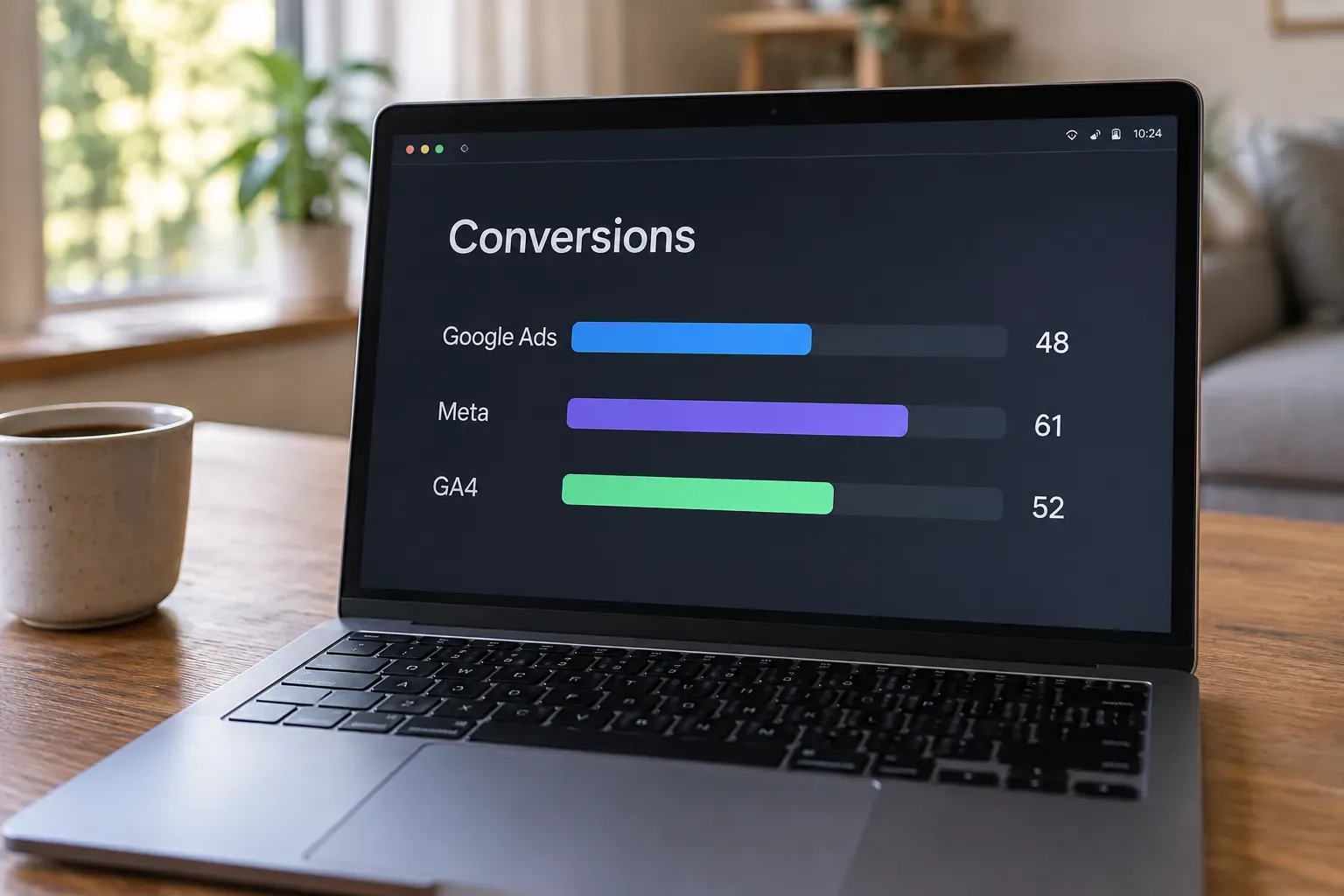
- Send the same leads to Google Ads and Meta, so ads optimize for real leads.
Contents 7 sections
To track form leads in Google Analytics 4, send an event when a form is submitted successfully, for example generate_lead, then mark that event as a key event in GA4. Google renamed conversions to key events, so a lead you want to measure is a key event. The most reliable setup uses Google Tag Manager, fires only after a real submission and is tested on every form before you trust the numbers.
Which action should count as a lead?
Count the successful submission, not the click. A click on "Send" fires even when the form shows an error, so it inflates leads. Use one of these two signals.
- A thank-you page. After submission, the site sends the visitor to a page such as /thanks/. A page view of that page is the lead. Simple and reliable, as long as people cannot reach the page another way.
- A success event. The form pushes an event into the data layer after the server confirms the submission. Needed for forms that show a message without changing the page, and supported by many WordPress form plugins.
Phone clicks (tel: links) and email clicks (mailto: links) can be tracked as separate key events. Keep them apart from form leads, because a click on a phone number is not a call.
How do you set it up in Google Tag Manager?
- Install GA4 through GTM. Add the Google tag with your GA4 measurement ID, firing on all pages.
- Create a trigger. For a thank-you page, use a page view trigger where the page path equals /thanks/. For a success event, use a custom event trigger with the event name your form pushes.
- Create a GA4 event tag. Name the event generate_lead, a name GA4 recommends for leads. Add parameters such as form_name or the page where the form was sent, so you can compare forms later.
- Publish the container after testing in preview mode.
On sites without GTM, the same event can be sent with gtag code on the thank-you page or in the form's success callback.
How do you mark the event as a key event?
In GA4, go to Admin, then Data display, then Events. Once generate_lead has been received, switch on the key event toggle for it. You can also create it as a key event in advance by name. Choose the counting method, once per event or once per session. For leads, once per session avoids counting a double submission as two leads.
How do you test that it works?
- Open GTM preview mode, submit the form with test data and check that the GA4 event tag fired once, after the submission.
- Open GA4 DebugView and confirm that generate_lead arrives with its parameters.
- Submit the form with an error, such as an empty required field, and confirm that no event fires.
- Repeat for every form on the site, including pop-ups and forms on landing pages.
- After a few days, compare the number of key events with the leads in your inbox or CRM.
How do you send leads to Google Ads and Meta?
Ads optimize for the conversions you give them, so they need the same lead signal.
- Google Ads. Either import the GA4 key event after linking the accounts, or add a Google Ads conversion tag in GTM on the same trigger. The Google Ads tag with enhanced conversions is usually more precise for bidding. Use one of the two as the primary conversion, not both.
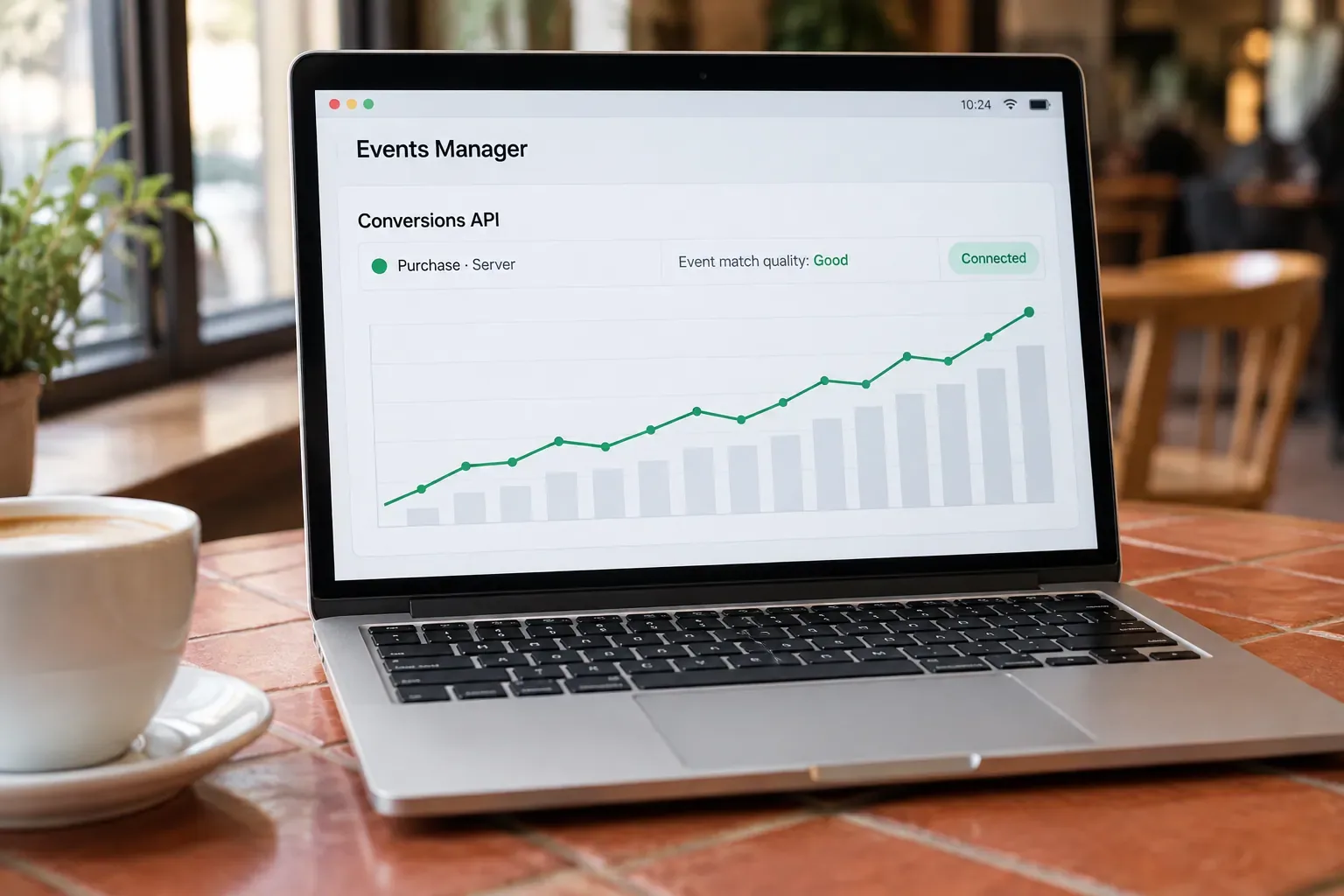
- Meta. Fire a Lead event with the Meta Pixel on the same trigger, and send the same event from the server through the Conversions API with a matching event ID, so Meta counts it once. See server-side tracking and the Conversions API.
Which GA4 settings should you check?
- Data retention. Set it to 14 months in Admin, so explorations can look back more than two months.
- Internal traffic. Define your office IP addresses and filter them, so your own tests do not count as leads.
- Unwanted referrals. Add payment providers and booking tools that redirect back to your site, so they do not replace the real source.
- Consent mode. If you have visitors from regions with consent laws, set up consent mode so tags respect the visitor's choice.
Where do you see leads by channel?
In GA4, the Traffic acquisition report shows key events by session source and medium, and the Advertising section shows how channels contribute to key events. For campaigns, consistent UTM tags make each ad, email and post show up as its own source. Our guide to UTM parameters explains the naming rules.
We set up GA4 and Google Tag Manager with lead tracking, testing and connections to Google Ads and Meta, from $150.
Questions and answers
What is the difference between a key event and a conversion in GA4?
Google renamed conversions in GA4 to key events. The word conversion is now used for key events that are shared with Google Ads for bidding and reporting. The setup is the same, you mark an event as key in the GA4 admin.
Should I track the thank-you page or the form submit event?
Either works if it fires only after a successful submission. A thank-you page is simpler and more reliable. A success event from the form is better for forms that show a message without changing the page.
Why do GA4 lead numbers differ from my CRM?
Some visitors block analytics tags, some decline cookies, and spam submissions may count in GA4 but get filtered in the CRM. A gap of some percent is normal. A large gap usually means a tag fires on the wrong action or not at all.
Should I import GA4 key events into Google Ads or use the Google Ads tag?
For bidding, the Google Ads conversion tag with enhanced conversions is usually more accurate and faster. GA4 imports are fine for smaller accounts. Do not count the same lead twice by using both as primary conversions.
Thank you. Share the article with someone who needs it.
Tell us what was missing in the article and we will reply. Ask a question