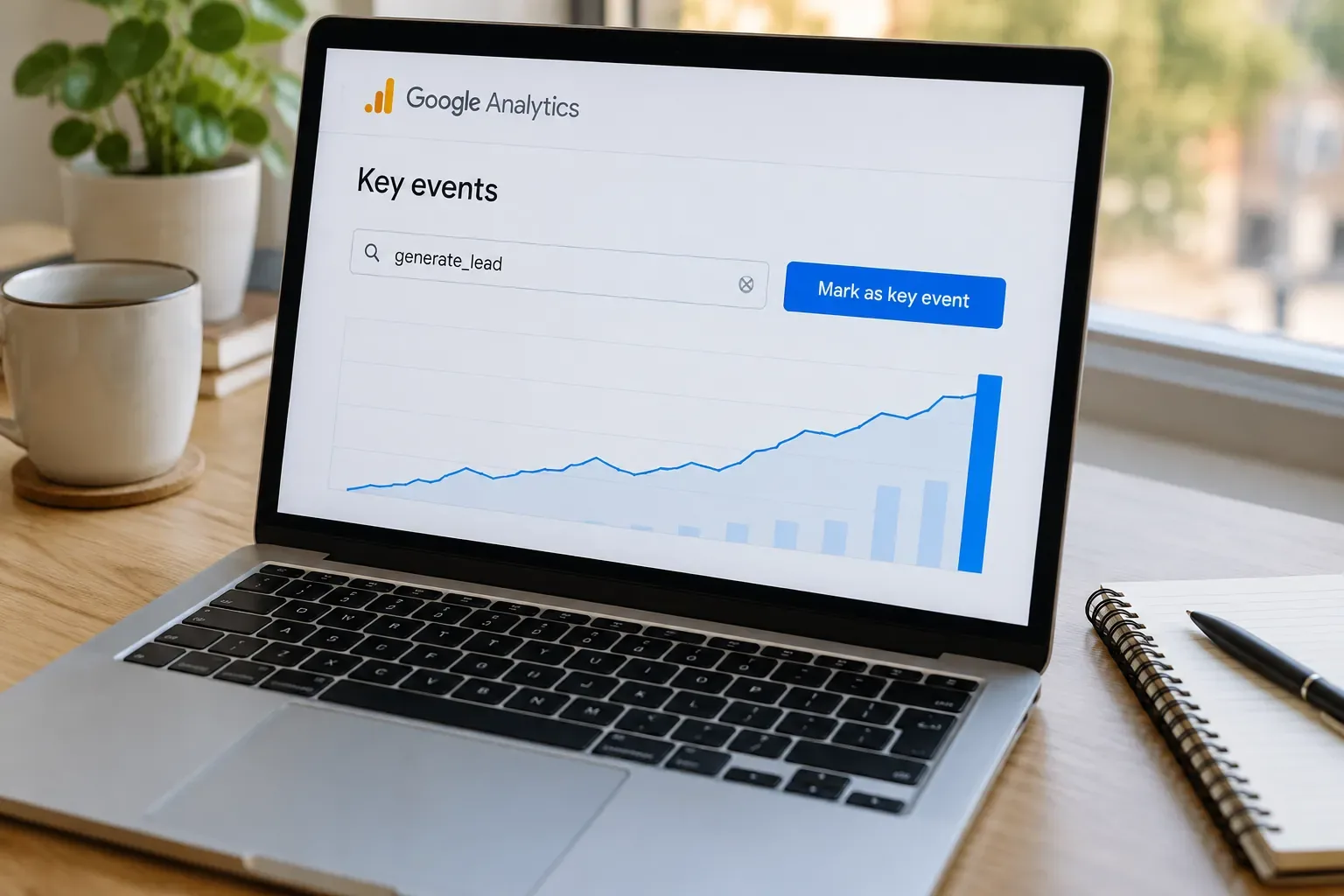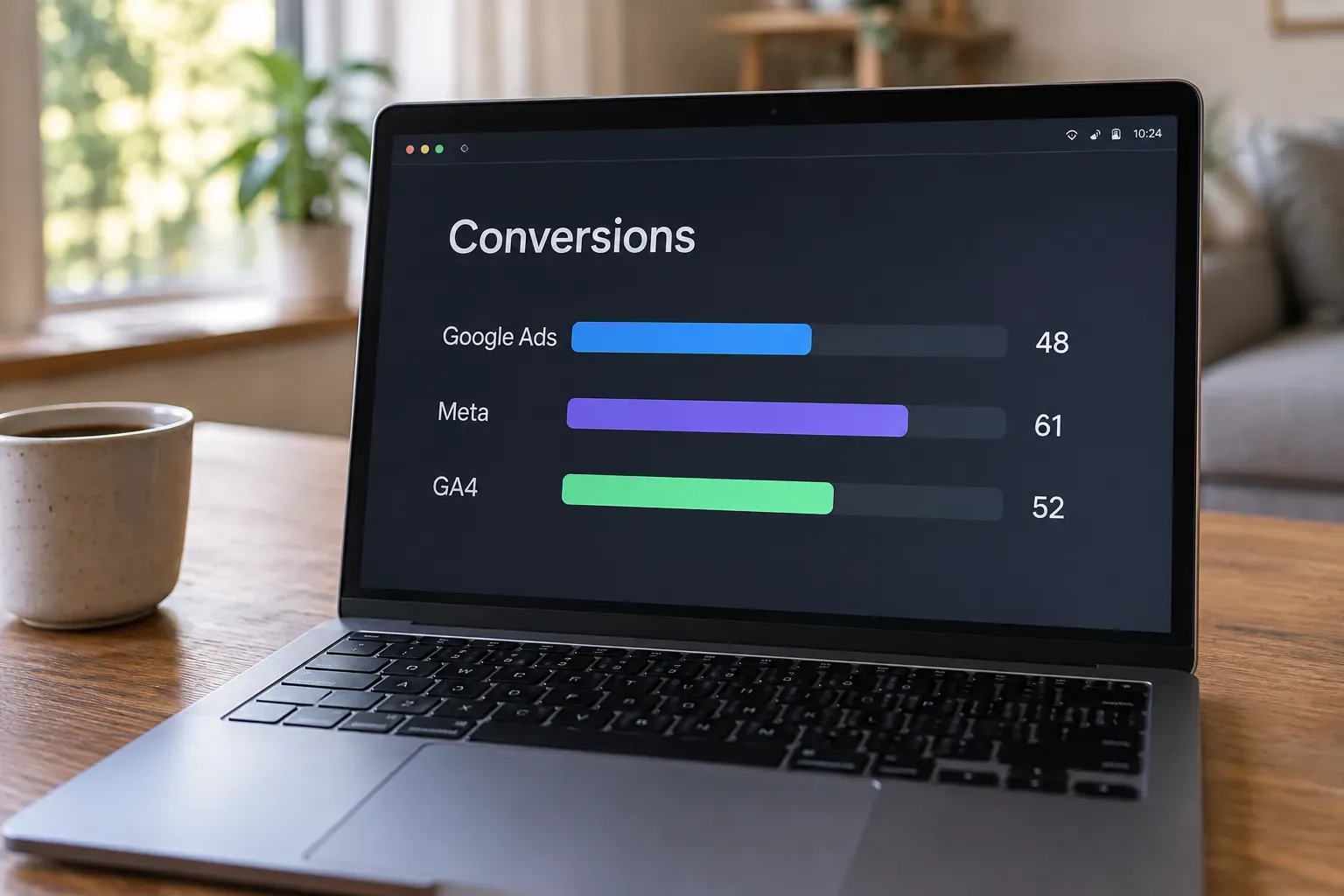
- Browser pixels lose part of the conversions to ad blockers, browser privacy limits and slow pages.
- Server-side tracking sends conversion events from your server or a server container, which browsers cannot block.
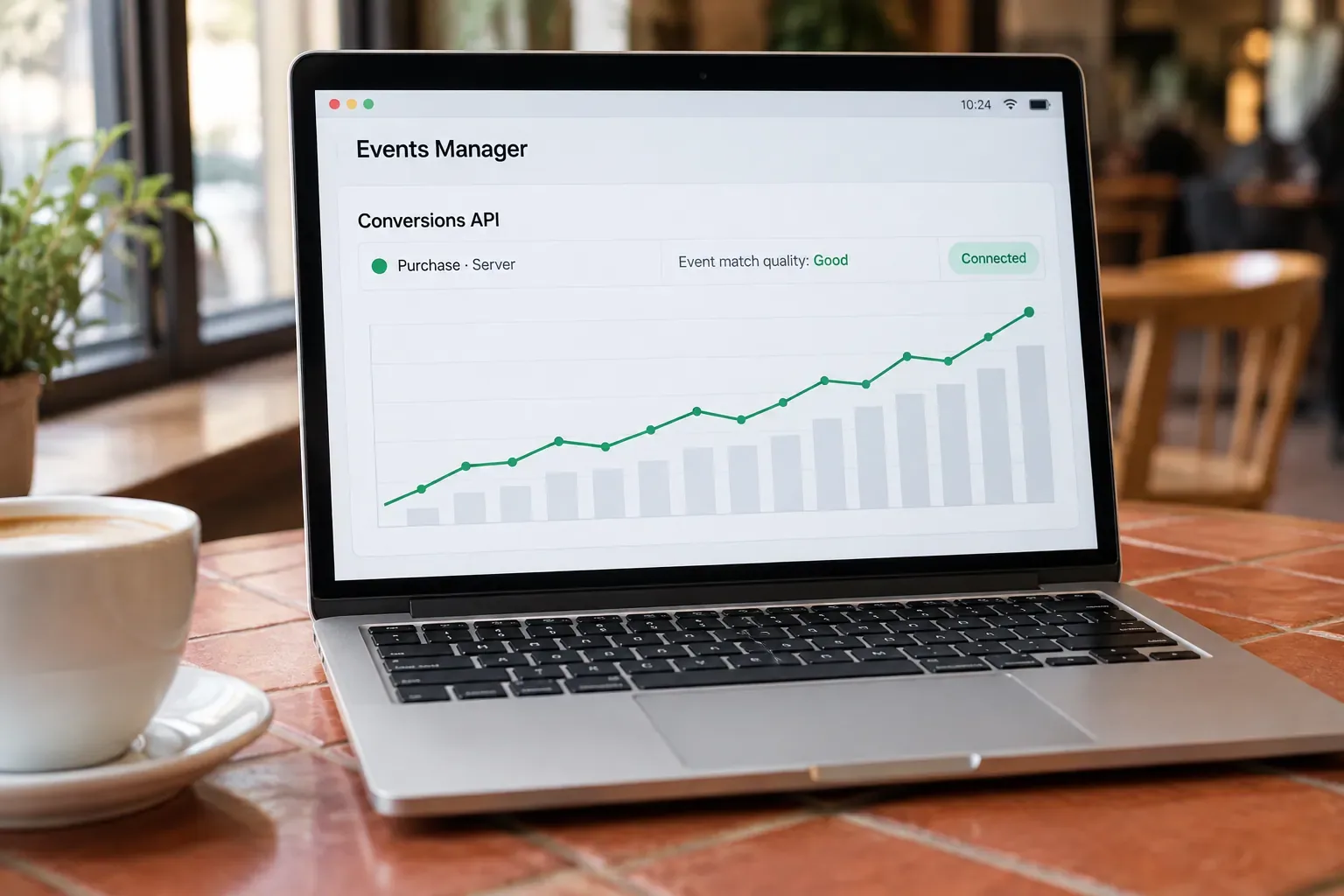
- The Meta Conversions API sends the same events as the Pixel. An event ID lets Meta count each one once.
- Server-side tracking does not replace consent. Events still have to follow the visitor's privacy choices.
Contents 8 sections
Server-side tracking sends conversion events, such as leads and purchases, from your server to Google Analytics, Google Ads and Meta, instead of relying only on scripts in the visitor's browser. Browser pixels miss part of the conversions because of ad blockers, browser privacy limits and visitors who leave before the page finishes loading. The Meta Conversions API and Google's enhanced conversions recover much of that data, which gives ad algorithms more accurate signals to optimize on.
Why do browser pixels miss conversions?
- Ad blockers and privacy extensions. They block requests to Meta, Google and other tracking domains.
- Browser privacy features. Safari's Intelligent Tracking Prevention shortens the life of cookies set by scripts, so a visitor who returns after a week can look like a new one. Firefox and Brave block many third-party trackers by default.
- Apple's App Tracking Transparency. People who opt out on iPhone limit what the Meta app can share, which weakens matching of ad clicks to purchases.
- Timing. A visitor who submits a form and closes the tab before the pixel fires is not counted.
The result is that ad platforms see fewer conversions than really happened. Fewer signals mean weaker optimization and reports that undervalue your best campaigns.
How does server-side tracking work?
There are two common setups, and many sites use both.
- Direct server events. Your website or CRM sends the conversion to the platform's API when it happens on the server, for example when the form is saved or the order is paid. The Meta Conversions API and the Google Ads API for offline conversions work this way.
- Server-side Google Tag Manager. The browser sends one stream of events to a tag server on your own subdomain, such as metrics.yoursite.com. The server container then forwards the events to GA4, Google Ads, Meta and others. Requests go to your domain, so fewer of them are blocked, and you control what data each platform receives.
What is the Meta Conversions API?
The Conversions API (CAPI) is Meta's interface for sending web events, such as Lead, Purchase or AddToCart, from a server. Meta recommends using it together with the Pixel. Each event can carry customer details that help Meta match it to a person, such as a hashed email and phone number, the visitor's IP address and browser, and the Meta browser and click IDs from cookies.
Shopify and WooCommerce have official Meta integrations that send purchase events through the Conversions API. For lead forms on custom sites, the event is sent by the site's backend or through a server-side Tag Manager container.
How does deduplication work?
When the Pixel and the Conversions API send the same lead, Meta must not count it twice. Both events get the same event name and the same event ID, for example the ID of the lead in your database. Meta sees the pair and keeps one event. Without a shared event ID, the same lead appears twice, and reports show more conversions than happened.
What about Google Ads and GA4?
- Enhanced conversions. The Google Ads tag sends a hashed email or phone with the conversion, so Google can match it to a signed-in user even when cookies are missing.
- Enhanced conversions for leads. You upload or send the final outcome of a lead from your CRM, such as qualified or won, matched by the same hashed details.
- Server-side tagging for GA4. Events go through your tag server, which can remove data you do not want to share and extend cookie life within the browser's rules.
How do you check that it works?
- In Meta Events Manager, check that events arrive from both the browser and the server, and that the deduplication rate is high.
- Look at Event Match Quality for each event and add missing customer details where you have consent to send them.
- Send a test lead and find it in the Test Events tab, once from the Pixel and once from the server, with one counted event.
- In Google Ads, check the diagnostics for enhanced conversions and the match rate.
- Compare platform conversions with the leads and orders in your CRM or store for the same period.
What about privacy and consent?
Server-side tracking gives you more control over data, not permission to collect more. Send only what you need, hash emails and phones before sending, and describe the tools in your privacy policy. Where the law requires consent for advertising cookies, the server must respect the visitor's choice, and Google's consent mode passes that choice to Google tags. Never send sensitive data, such as health information, to ad platforms.
Is server-side tracking worth it for a small business?
If you spend on Meta or Google Ads every month, usually yes. The setup is a one-time job, and more complete conversion data improves how the budget is spent from then on. If you do not run ads yet, start with correct basic tracking in GA4, described in how to track form leads in GA4, and add server-side events when campaigns start.
We set up server-side tracking and the Conversions API From $200, with deduplication, enhanced conversions and a check against your CRM data.
Questions and answers
Do I need the Conversions API if I already have the Meta Pixel?
Meta recommends using both. The Pixel catches browser events, the Conversions API sends events from the server that the Pixel misses. With matching event IDs, Meta removes duplicates and keeps the more complete data.
What is Event Match Quality?
A score in Meta Events Manager that shows how well the customer data you send, such as hashed email, phone, IP address and browser ID, lets Meta match events to its users. Higher match quality usually means better ad optimization.
Does server-side tracking bypass cookie consent?
It must not. Server-side tracking changes where data is sent from, not whether you may send it. If a visitor declines advertising cookies where the law requires consent, the server should not send their events to ad platforms either.
Is server-side Google Tag Manager free?
The software is free, but the server container runs on hosting that you pay for, such as Google Cloud or a hosting provider for tag servers. Small sites pay little, high-traffic sites more.
Thank you. Share the article with someone who needs it.
Tell us what was missing in the article and we will reply. Ask a question