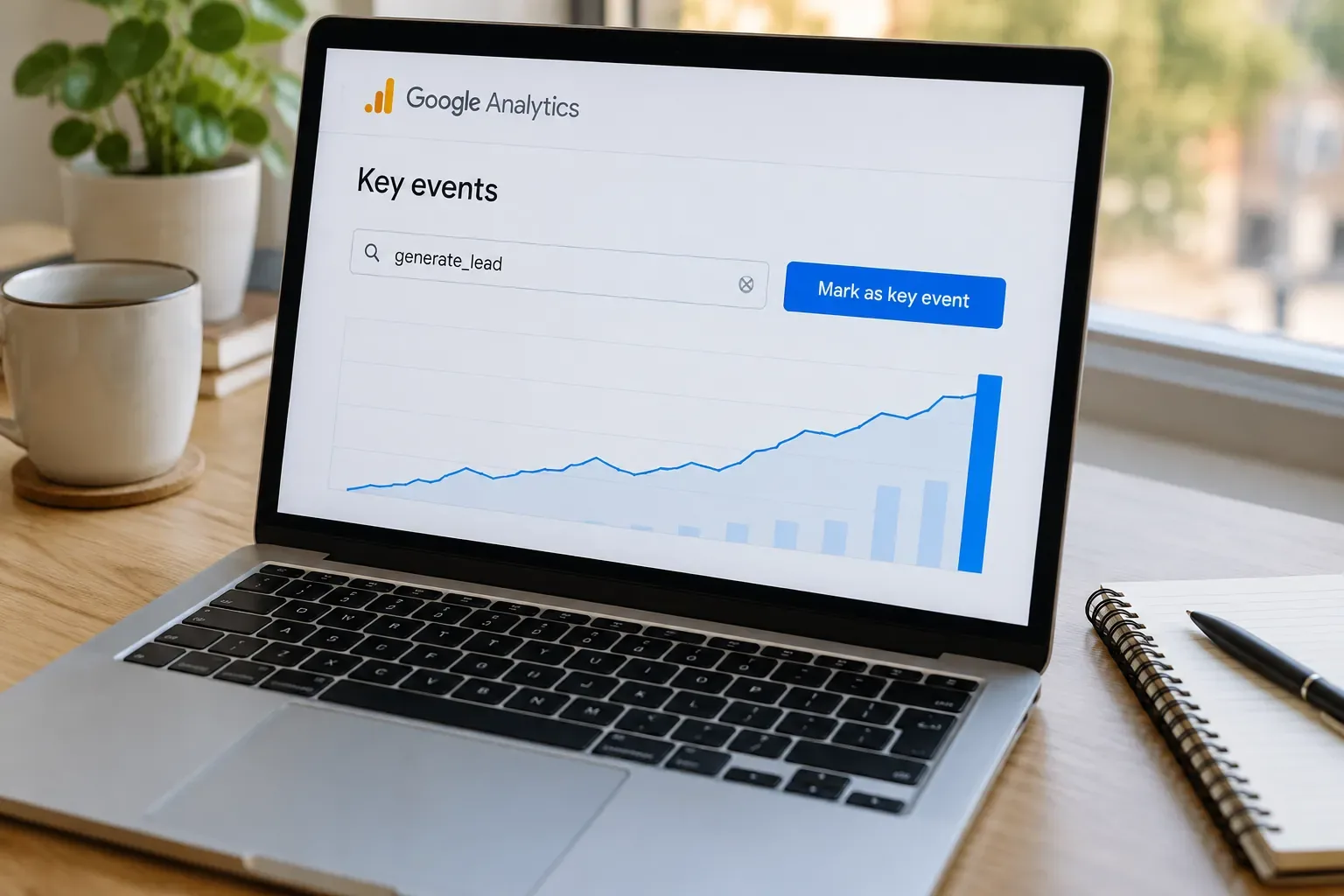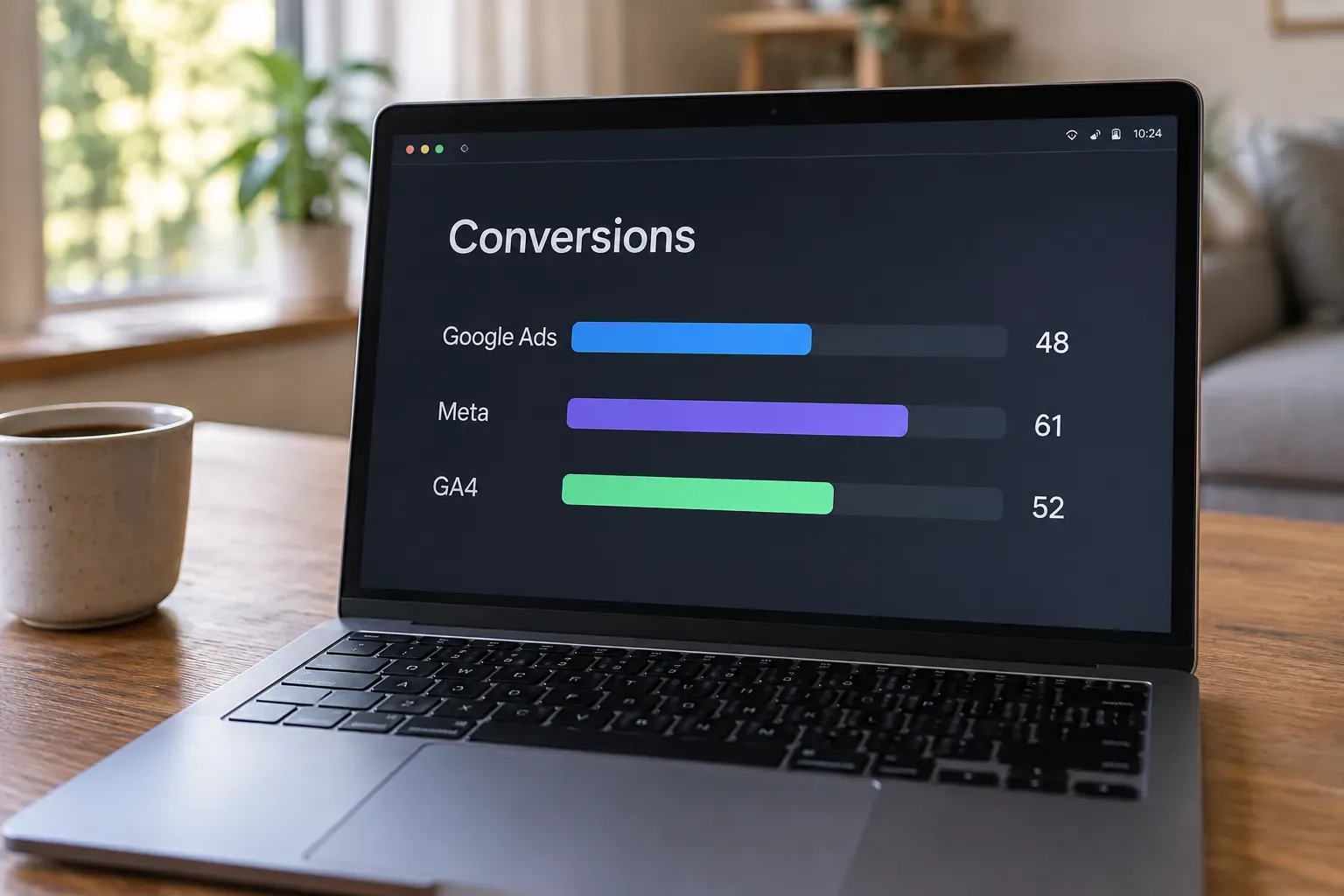
- Each platform gives a different count because Google Ads, Meta and GA4 use different attribution models, windows and recording dates.
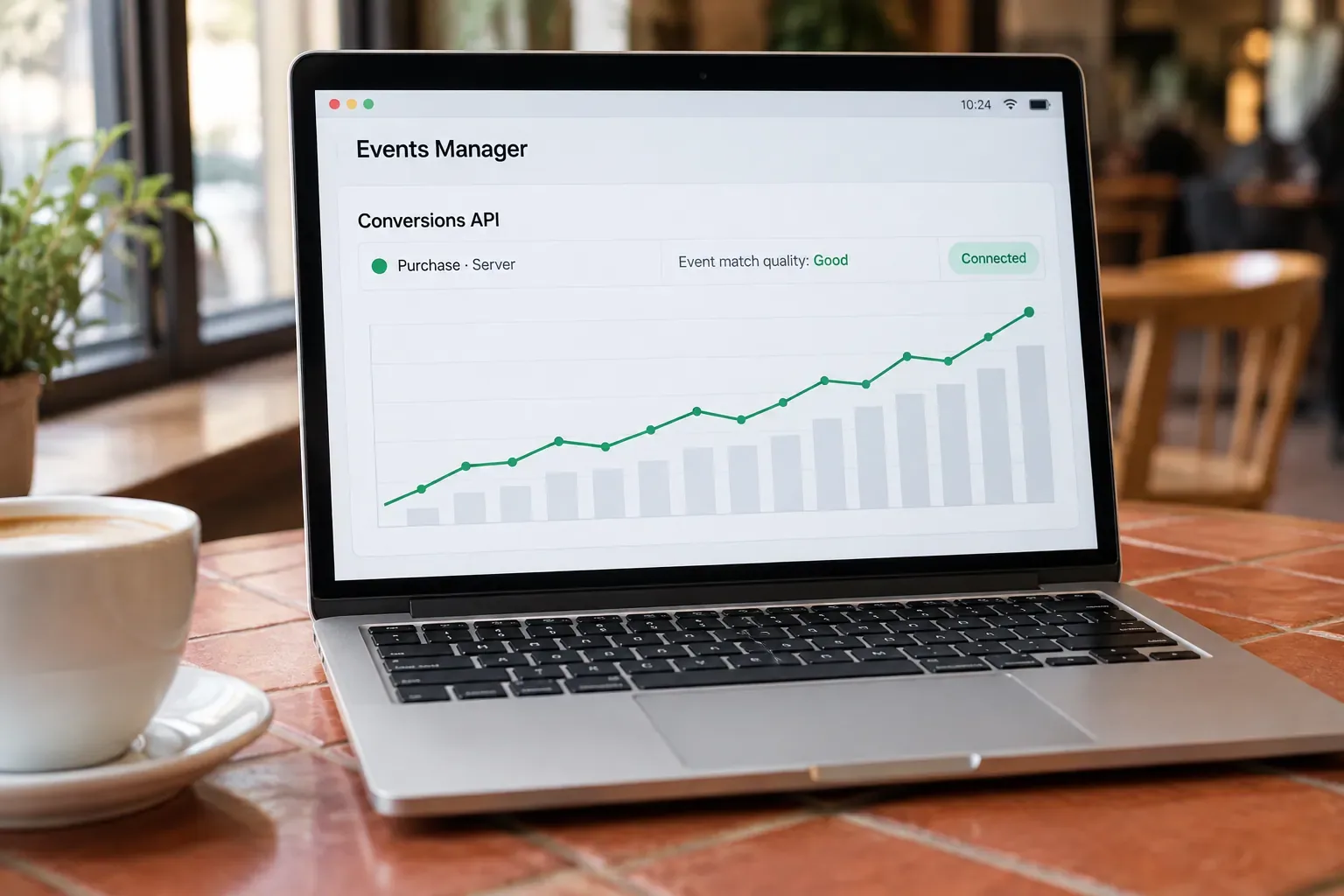
- Some gap is normal, but duplicate tags, repeated thank-you page events and mismatched Pixel and CAPI events inflate counts.
- Pick one source of truth, such as Shopify orders, and treat ad platform numbers as direction for optimization.
- Align date ranges and time zones, and check each ad set's attribution setting, since Meta's default is 7-day click and 1-day view.
Contents 5 sections
Why does each platform report a different number of conversions?
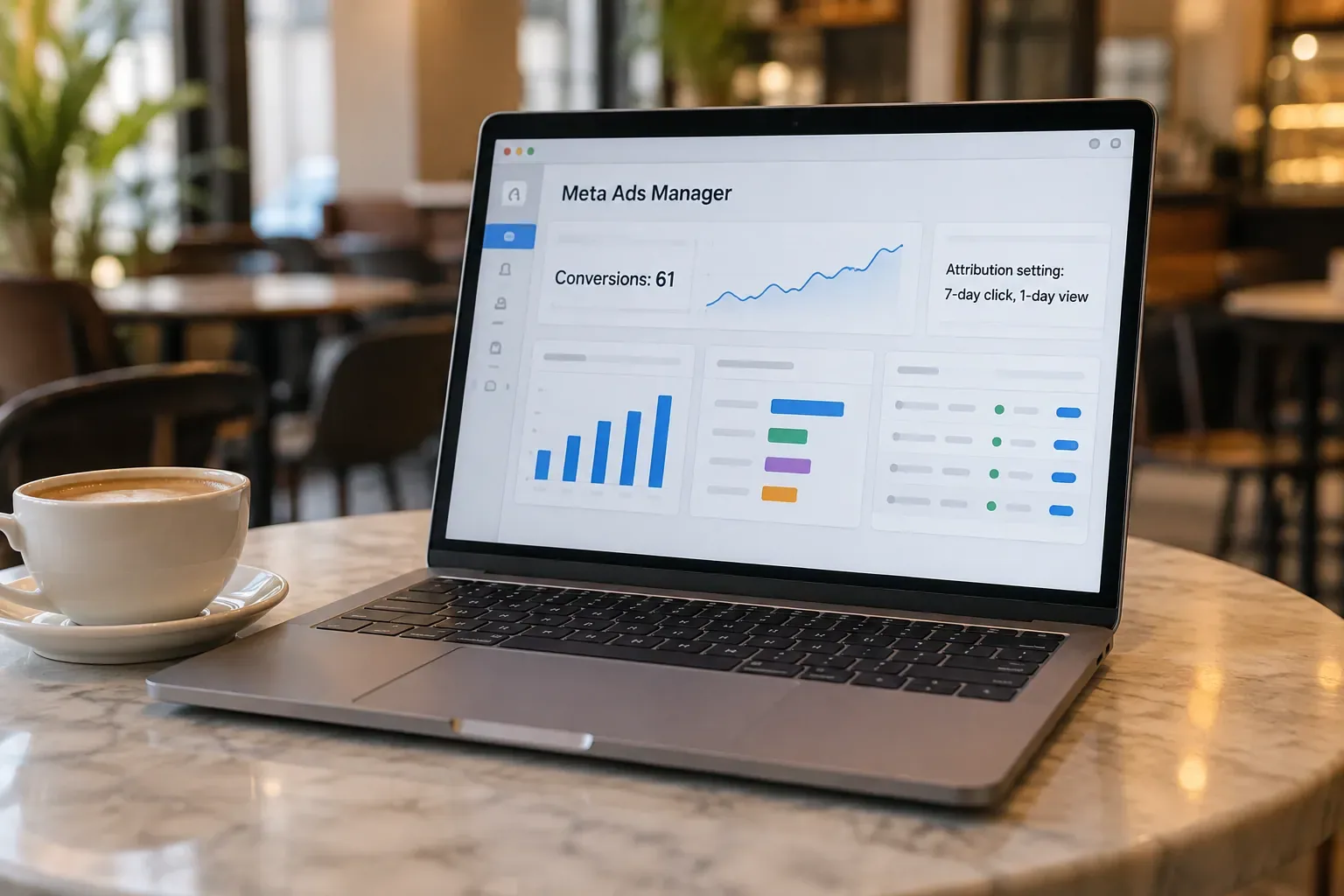
Google Ads, Meta and GA4 use different attribution models, windows and recording dates, so some gap between them is normal and the three numbers will not match exactly. Each ad platform credits a sale to itself only when the interaction fits its attribution settings, falls inside the attribution window and meets the platform's rules for a counted click or view. Because those rules differ, one Shopify order can appear as a conversion in Google Ads, another in Meta, and in GA4 under a third channel.
The practical task is to separate normal differences from real tracking errors, then make budget decisions on one source of truth.
How do attribution windows, models and dates differ?
| Google Ads | Meta Ads Manager | GA4 | |
|---|---|---|---|
| What counts | Conversions attributed to Google ad interactions under the conversion action settings | Conversions attributed to Meta ad clicks or views under the ad set's attribution setting | Key events recorded from any channel, separate from the conversions attributed in its advertising reports |
| Attribution model | Set per conversion action (data-driven or last click) | Set by the attribution setting chosen for the ad set | Chosen in the property's attribution settings (data-driven or last click) |
| Date recorded | Standard reports use the interaction (click) date; conversion-date columns such as "Conversions (by conv. time)" show the conversion date | Impression or conversion date, depending on the report and interaction type | Date of the event |
| Views without a click | Video and Display, depending on settings | Yes, if the attribution setting includes views | Possible for some engaged video ad interactions |
Meta's standard attribution setting is 7-day click and 1-day view, according to Meta's documentation on attribution settings, but advertisers can choose other settings, so check each ad set.
Meta's total may be higher than GA4 and Shopify when it counts view-through conversions or adds modeled conversions. Google Ads and GA4 can drift apart because of imported versus native conversions, "one" versus "every" counting, processing delays and different time zones.
Which tracking errors make the gap bigger than it should be?
These issues inflate or hide conversions and need fixing:
- The same tag fires twice, once from Google Tag Manager and once from code in the Shopify or WordPress theme.
- A thank-you page reload records the purchase again.
- Pixel and Conversions API send the same event without matching event_name and event_id values, so Meta may not deduplicate it.
- GA4 conversions are imported into Google Ads while the native Google Ads tag also counts the same action.
- Ad blockers and iOS privacy settings stop browser pixels, and server-side events can fill part of that gap only when consent, setup and event parameters allow it.
- Consent Mode is set up so tags never fire after a visitor accepts.
- Test orders stay in the data.
How do you reconcile the numbers with your CRM or Shopify orders?
- Pick one source of truth, such as Shopify orders or QuickBooks for sales. A CRM can be the source of truth for leads, and for sales only if closed deals are recorded there.
- Align the date range and time zone in every account.
- Write down each platform's attribution window and model, since they cannot always be set the same, and compare the reports that show results by conversion date where available.
- Submit a test lead or purchase and confirm each system records it once.
- Treat ad platform numbers as direction for optimization and the source of truth as your real sales.
What do we check in a tracking audit?
Our marketing audit reviews Google Ads and Meta accounts, GA4, Tag Manager, Pixel, Conversions API and the path of a lead to your CRM. You grant view access to these accounts. At Bravo Digital we then set up the fixes. More about us is on the About page.
Questions and answers
Why does Meta Ads Manager show more purchases than GA4 and Shopify?
Meta can show more purchases because its attribution setting may include view-through conversions, it can link several devices to one user and it may add modeled conversions for blocked browsers. It can also credit sales that Google or email touched too. GA4 and Shopify apply their own counting rules, so the totals can differ.
Why don't Google Ads conversions match GA4 conversions for the same date range?
In standard reports, Google Ads assigns a conversion to the click date and credits only its own clicks, while GA4 records it on the event date and spreads credit across all channels. Google Ads conversion-time columns show the conversion date instead. Counting settings, processing delays, time zones and currency differences between the two accounts widen the gap further for the same period.
Should I import GA4 conversions into Google Ads or use the Google Ads conversion tag?
Use one of them as the primary conversion for each purchase, so only one is included in Conversions and bidding. The other can stay secondary for comparison. The native Google Ads tag records conversions faster and suits bidding, while imported GA4 conversions keep reporting consistent with GA4. If both are primary for the same purchase, Google Ads counts it twice and bidding learns from inflated data.
Does Conversions API fix the difference between Meta and GA4 numbers?
No, Conversions API can send some events the browser pixel misses, depending on consent and setup, but Meta and GA4 still use different attribution rules. Deduplication with the pixel depends on matching eventname and eventid values. If they do not match, Meta may count a purchase twice and the gap with GA4 can grow.
Why do Google Ads conversion numbers change a few days after the click?
Standard Google Ads reports assign each conversion to the date of the original click, so a purchase made days later raises the numbers for that earlier date. Conversion-time columns show the same conversions by the purchase date. Processing delays and modeled conversions also make recent days look lower at first. If your accounts show three different answers to the same question, send us a request through the contact page and we will review your tracking setup.
Thank you. Share the article with someone who needs it.
Tell us what was missing in the article and we will reply. Ask a question