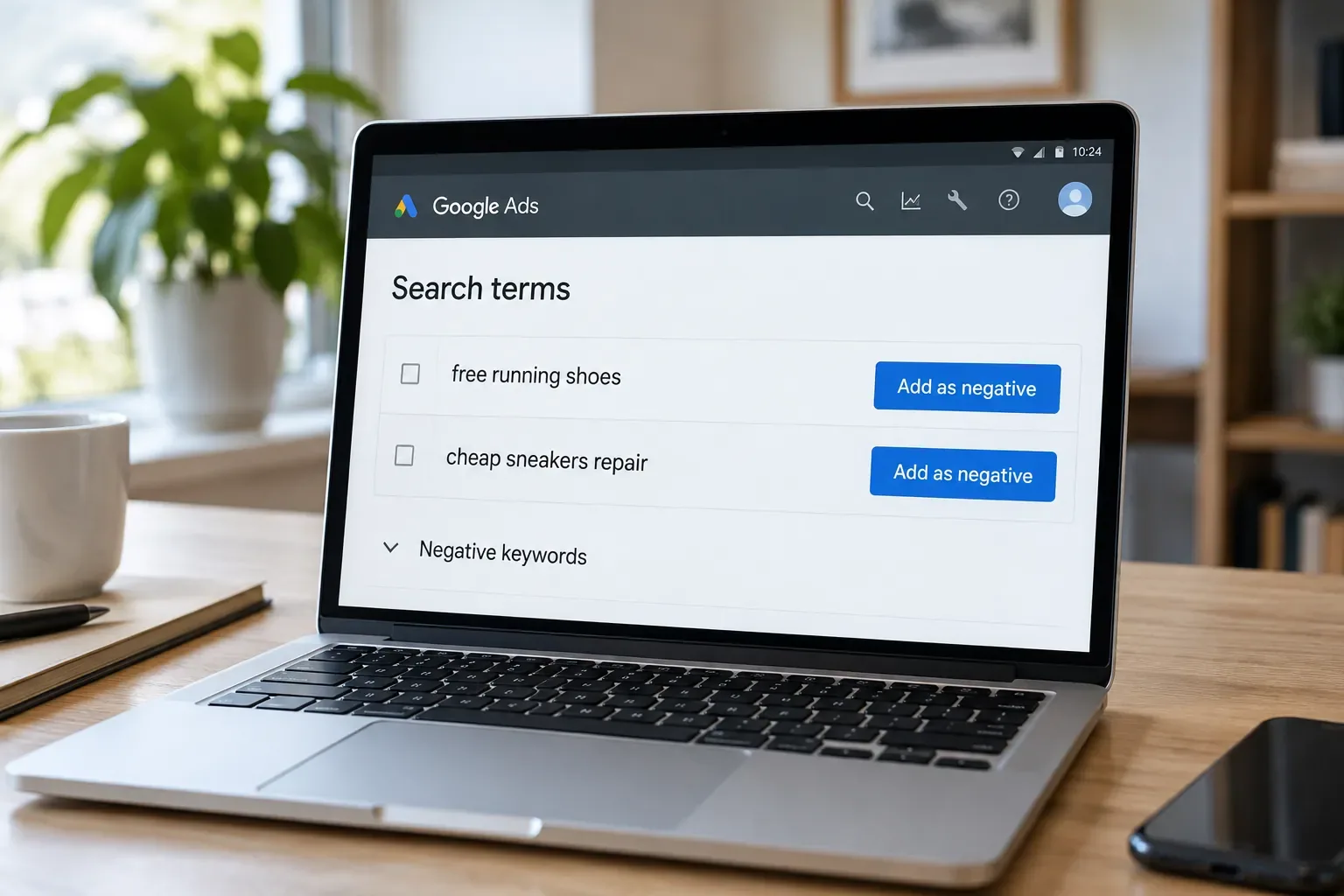
- Remarketing shows ads to people who already visited your site, watched your videos or are on your customer list.
- Google and Meta build these audiences from their tags on your site and from contact lists you upload.
- Start with visitors of key pages and people who started checkout or a form, and exclude recent buyers.
- Limit frequency and change the ads often, so the audience does not get tired of the same message.
Contents 9 sections
- How does remarketing work?
- Which remarketing audiences should you build first?
- What is dynamic remarketing?
- How do you keep remarketing from annoying people?
- How much budget does remarketing need?
- What do you need before you start?
- Should you start on Google or on Meta?
- What mistakes make remarketing fail?
- Does remarketing work for small businesses?
Remarketing ads show your business again to people who already visited your website, watched your videos or bought from you before. Most visitors leave without contacting you on the first visit. Remarketing keeps you in front of them while they compare options, for a fraction of what it cost to bring them in the first time. Here is how it works on Google and Meta, which audiences to start with and how to keep it from becoming annoying.
How does remarketing work?
The Google tag and the Meta Pixel on your site record which pages a visitor views. Google Ads and Meta add those visitors to audiences you define, such as "visited a service page in the last 30 days". Your remarketing campaigns then show ads only to people in those audiences, on Google Search, YouTube, Gmail and partner sites, or on Facebook, Instagram and Messenger.
You can also build audiences from your own data. Customer Match on Google and custom audiences on Meta use hashed email addresses and phone numbers from your customer list, so you can show ads to past buyers or exclude them.
Which remarketing audiences should you build first?
| Audience | Window | Message |
|---|---|---|
| Started checkout or a form and did not finish | 7 to 14 days | Reminder of the product or offer, answers to doubts |
| Visited a product or service page | 14 to 30 days | That product or service, reviews, examples of work |
| Visited any page | 30 to 90 days | Your main offer and what sets you apart |
| Past customers | By purchase cycle | Repeat purchase, add-ons, referrals |
The closer the person was to contacting you, the shorter the window and the more specific the ad. Someone who left the checkout yesterday needs a reminder. Someone who read a blog post two months ago needs a reason to come back.
What is dynamic remarketing?
For online stores, dynamic remarketing shows each visitor the exact products they viewed, with photos and prices from your product feed. On Google it uses the Merchant Center feed, and on Meta it uses a catalog connected to the Pixel or Conversions API. The ads update automatically when prices or stock change. For a store with more than a handful of products, this is usually the most profitable remarketing campaign.
How do you keep remarketing from annoying people?
- Exclude people who converted. Someone who just bought or sent a request should not keep seeing the same ad. Exclude converters for a period that fits your sales cycle.
- Limit frequency. Set frequency caps on Display and video campaigns, and watch frequency in Meta Ads Manager. When it climbs high and results drop, the audience has seen enough.
- Rotate the ads. Prepare several messages, such as reviews, a guarantee, a case study and an offer, and change them every few weeks.
- Match the ad to the page. An ad about a service the person never looked at feels random. Build audiences by section of the site.
How much budget does remarketing need?
Less than other campaigns, because the audience is small. The budget is limited by the size of the audience, not by your plan. If a site gets a thousand visitors a month, a remarketing campaign can only reach those people. Start with a small daily budget and raise it while frequency stays reasonable and the cost per lead or sale is better than in your prospecting campaigns.
What do you need before you start?
- The Google tag and Meta Pixel installed on every page, ideally through Google Tag Manager.
- Conversion tracking for leads and purchases, so you can exclude converters and measure results.
- The Meta Conversions API, which sends events from your server and keeps audiences fuller when browsers block tags.
- A privacy policy that mentions advertising tags, and a consent banner where the law requires it.
- For stores, a product feed in Merchant Center and a catalog in Meta Commerce Manager.
Should you start on Google or on Meta?
Start where your audience spends time and where your ads already run. Meta remarketing on Facebook and Instagram works well for visual products, consumer services and stores, because the ads appear in the feed between posts people want to see. Google remarketing covers YouTube, Gmail and a wide network of sites and apps, and remarketing lists for search ads let you bid higher when a past visitor searches for your service again. For a service business that gets most leads from Google Search, remarketing lists in search campaigns are often the most profitable first step.
What mistakes make remarketing fail?
- One audience of all visitors. Someone who read a job posting and someone who left the checkout get the same ad.
- No exclusions. Customers keep seeing ads for what they already bought, and the budget pays for it.
- The same creative for months. Results fall as people stop noticing the ad.
- Judging by last click only. Remarketing often helps a decision that ends with a brand search. Look at total leads, not only conversions credited to the remarketing campaign.
Does remarketing work for small businesses?
Yes, often better than for large ones, because a small business usually sells a high-value service where people take time to decide. A roofer, a lawyer or a clinic gets value from staying visible during the weeks a client compares options. The limit is traffic. With very few visitors, audiences stay too small, and the budget is better spent on bringing new visitors first.
We set up remarketing on Google and Meta, with dynamic product ads for stores, as part of ads management at $100/mo per platform. If people click your ads and leave the cart, read why shoppers abandon carts to fix the cause, not only the symptom.
Questions and answers
What is the difference between remarketing and retargeting?
In practice, nothing. Google calls it remarketing, Meta and most marketers call it retargeting. Both mean showing ads to people who already interacted with your business.
How long do people stay in a remarketing audience?
You set the duration. Google Ads allows up to 540 days for website visitor segments, and Meta allows up to 180 days for website custom audiences. Shorter windows, such as 7 to 30 days, work for quick purchases, and longer ones for expensive decisions.
Is remarketing allowed under privacy rules?
Yes, with conditions. Your privacy policy has to describe the advertising cookies and tags, and in regions with consent laws you need the visitor's consent before the tags load. Google and Meta also forbid targeting based on sensitive categories such as health conditions.
Why is my remarketing audience too small to run?
Google needs a minimum number of active users in a list before it shows ads to it, and the minimum is higher for Search than for Display. A site with little traffic may need a longer membership duration or a combined audience of all visitors.
Thank you. Share the article with someone who needs it.
Tell us what was missing in the article and we will reply. Ask a question