- Negative keywords stop your ads from showing for searches that will not convert.
- Negative match types work differently from regular ones and do not cover close variants, so add plurals and misspellings yourself.
- Find new negatives in the search terms report every week in a new account, then every month.
- Shared negative lists apply the same exclusions to many campaigns at once.
Contents 8 sections
- How do negative keywords work?
- How do negative match types differ from regular ones?
- Where should you add negative keywords?
- Which negative keywords do most accounts need?
- How do you find new negative keywords?
- How do negatives work in Shopping and Performance Max?
- Do negative keywords matter with Smart Bidding?
- What mistakes should you avoid?
Negative keywords tell Google Ads which searches should not show your ads. They are the main way to stop paying for clicks from people looking for jobs, free tools, DIY guides or a different service. Many accounts spend part of their budget on such searches. A good negative keyword setup is one of the fastest ways to lower cost per lead without touching bids.
How do negative keywords work?
You add a word or phrase as a negative keyword at the account, campaign or ad group level. When someone's search matches that negative, your ad does not enter the auction for that search. Negatives work for Search and Shopping campaigns. Performance Max supports brand exclusions and negative keywords with more limits.
How do negative match types differ from regular ones?
Negative keywords follow their own rules, and the difference catches many advertisers.
| Negative match type | Example | Blocks | Does not block |
|---|---|---|---|
| Broad | free plumbing | free emergency plumbing, plumbing for free | free plumber (different word) |
| Phrase | "plumbing jobs" | plumbing jobs near me | jobs in plumbing |
| Exact | [plumbing school] | plumbing school | plumbing school online |
The key rule is that negatives do not expand to close variants. A negative for "job" does not block "jobs". Add singular and plural forms, common misspellings and abbreviations yourself.
Where should you add negative keywords?
- Account level. Terms you never want for any campaign, such as adult content or competitor brands you do not bid on.
- Shared negative lists. Lists such as "Jobs", "Free and DIY" or "Education" applied to several campaigns at once. Update the list once, and every campaign follows.
- Campaign level. Terms that do not fit one campaign but fit another, for example "commercial" in a residential campaign.
- Ad group level. Used to steer searches between ad groups, so each search lands in the group with the best ad and page.
Which negative keywords do most accounts need?
Use these as a starting point and check each one against what you sell. A training company should not block "course", and a used car dealer should not block "used".
- Jobs and careers. job, jobs, career, careers, hiring, salary, resume, internship, apprenticeship.
- Free and DIY. free, diy, how to, yourself, tutorial, template, example, sample, pdf.
- Education. course, class, school, training, certification, degree, definition, meaning.
- Research without intent to buy. wiki, reddit, youtube, video, images, statistics, history.
- Wrong product or price level. used, cheap, rental, wholesale, parts, if they do not match your offer.
- Locations you do not serve. City and state names outside your area, if people use them in searches.
How do you find new negative keywords?
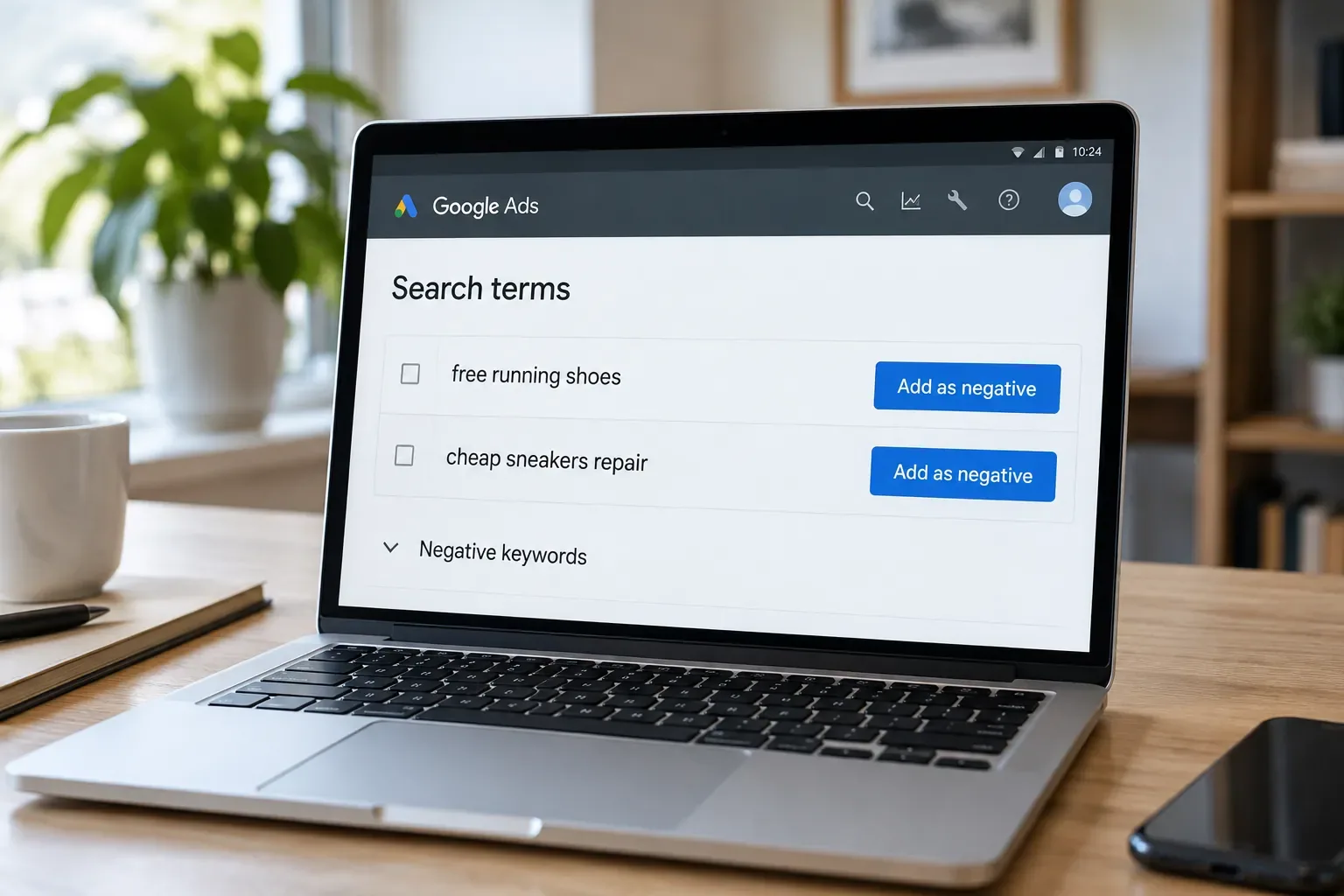
- Open the search terms report for the last 30 days and sort by cost.
- Look for searches with clicks and no conversions that clearly do not match your offer.
- Add the irrelevant word as a negative, not the whole search, when the word alone signals the wrong intent.
- Before adding a single-word negative, filter the report by that word to make sure no converting searches contain it.
- Add the term to a shared list if it applies to more than one campaign.
In a new campaign, do this every week for the first month. Once the account is stable, a monthly review is usually enough. Also look at the auction for searches you did not expect at all, such as your service name combined with a well-known brand or tool you do not offer.
How do negatives work in Shopping and Performance Max?
Shopping campaigns have no keywords. Google matches searches to your product data, such as titles and descriptions, so odd searches appear there too. Add negatives to Shopping campaigns the same way as to Search, from the search terms report. A common structure uses negatives to send generic searches to one campaign and specific product searches to another, with different bids.
Performance Max supports brand exclusions, which keep your brand searches out of it, and negative keywords at the campaign level with some limits. Account-level negative keywords apply to Performance Max too. Check search term insights in the campaign to find the categories of searches to exclude.
Do negative keywords matter with Smart Bidding?
Yes. Smart Bidding lowers bids for searches unlikely to convert, but it still pays for some clicks while it learns, and it judges likelihood from the conversion data you give it. If your conversion tracking counts spam form fills, it can learn that job seekers or students convert. Negatives keep obvious irrelevant searches out of the auction, so the algorithm spends its learning budget on searches that could become customers.
What mistakes should you avoid?
- Blocking words that also appear in good searches. "Cost" looks like price shopping, yet "kitchen remodel cost Austin" can be a serious buyer.
- Using negatives to fix bad keywords. If a broad keyword brings mostly irrelevant searches, change the keyword or its match type.
- Forgetting Shopping campaigns. Product ads trigger on product data, so they collect odd searches too.
- Never checking negatives again. Your offer changes. A service you add later may need a word you blocked a year ago.
Negative keyword work is part of our Google Ads management, which costs $100/mo. If you want to know how much of your current spend goes to irrelevant searches, start with our free Google Ads audit, or read 12 reasons Google Ads do not convert for the other usual causes.
Questions and answers
What is the difference between negative broad, phrase and exact match?
Negative broad match blocks searches that contain all the negative words in any order. Negative phrase match blocks searches that contain the words in the same order. Negative exact match blocks only that exact search. None of them include close variants such as plurals or misspellings.
How often should I add negative keywords?
Check the search terms report every week for a new campaign and at least once a month for a stable one. Add terms that got clicks without conversions and clearly do not match what you sell.
Can negative keywords hurt a campaign?
Yes. A negative that is too broad can block good searches. Before adding a single-word negative, check the search terms report for converting searches that contain that word.
Thank you. Share the article with someone who needs it.
Tell us what was missing in the article and we will reply. Ask a question