- Speed to lead is the time between a lead's request and your first reply. Shorter is better.
- A Harvard Business Review study found that firms contacting leads in less than an hour were far more likely to qualify them.
- Automate the first reply, alerts to the team, CRM entry and a follow-up sequence for leads who do not answer.
- Measure response time in the CRM and review it every week.
Contents 7 sections
Speed to lead is the time between a potential customer's request and your first reply. It matters because a person who has just filled in a form is thinking about the problem right now and is often contacting several companies at once. The first useful reply usually wins the conversation. A Harvard Business Review study of online leads found that firms that contacted leads in less than an hour were nearly seven times as likely to qualify them as firms that waited even one hour longer. Most of the steps that shorten response time can be automated.
Why do leads go cold so fast?
- People send requests to two or three companies and talk to whoever replies first.
- The need is urgent for many services, such as repairs, legal help or medical appointments.
- Leads from ads and lead forms forget the request within hours, especially if they submitted it on their phone between other things.
- A late reply looks like how the company will treat them as a customer.
What should happen in the first five minutes?
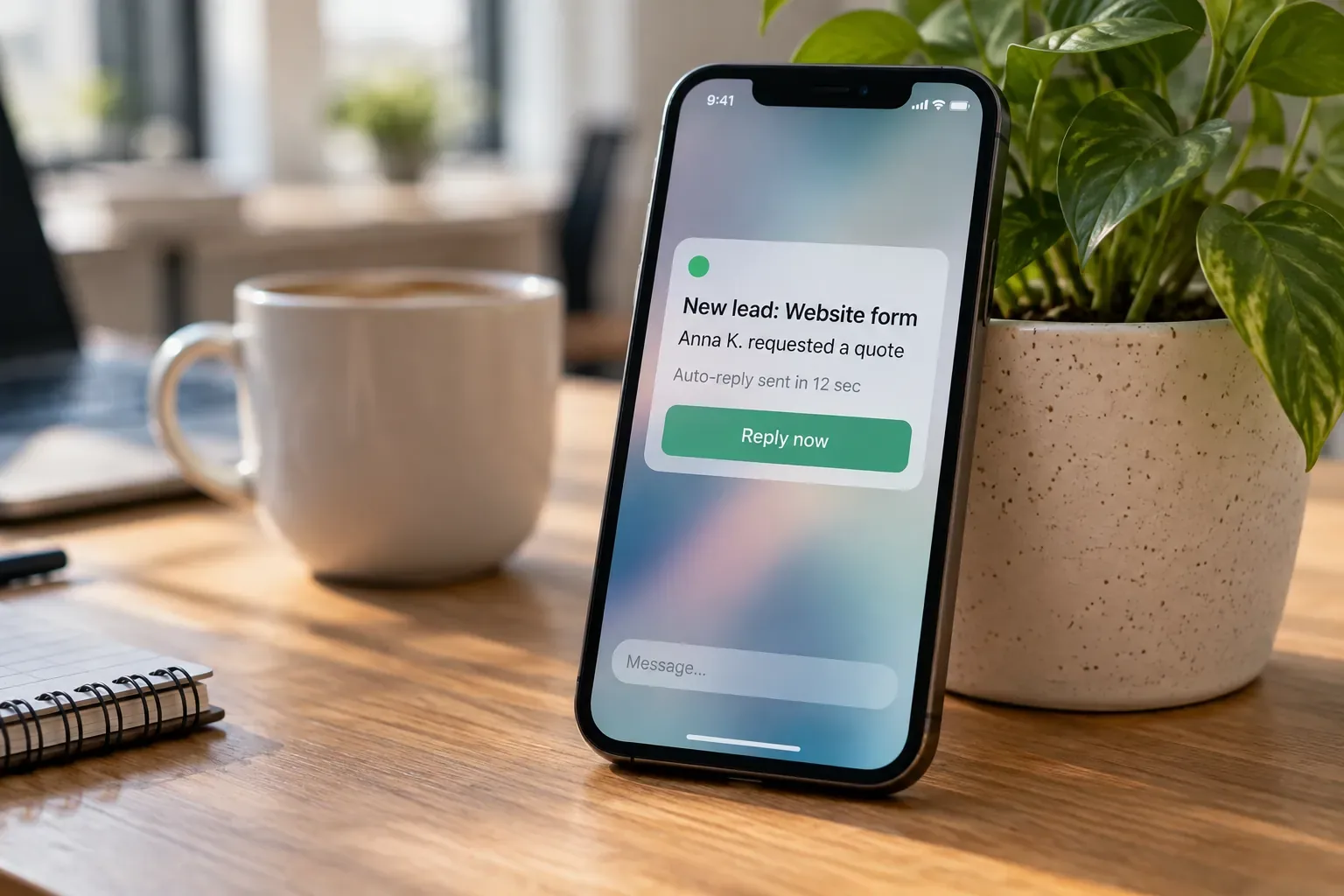
- Instant automatic reply. An email, and a text if the lead agreed to texts, that confirms the request, says who will reply and when, and answers the most common next question, such as the price range or the next step.
- Instant alert to the team. A notification in Slack, Microsoft Teams, Telegram, by email or in the CRM app, with the lead's details and request.
- Automatic CRM entry. The lead appears in HubSpot, Pipedrive, Zoho CRM or Salesforce with the source, campaign and form answers, without copying.
- Assignment. The lead goes to a specific person by rule, such as by service, region or in turn.
- A task with a deadline. The CRM creates a task to reply within a set time and reminds the owner if it is overdue.
How do you follow up with leads who do not answer?
Many leads do not reply to the first message. A follow-up sequence keeps trying without anyone having to remember. An example for a service business.
| When | Channel | Message |
|---|---|---|
| Minute 0 | Email and text | Confirmation, next step, typical price range |
| Within the hour | Personal email or message | Answer to their request, one question to move forward |
| Day 1 | Text or WhatsApp | Short reminder with an easy reply option |
| Day 3 | Example of similar work, reviews | |
| Day 7 | Last message, an option to reply later |
The sequence stops automatically when the lead replies or books. Leads who never answer move to a monthly newsletter or a long-term list rather than receiving endless messages.
What about leads that arrive at night or on weekends?
The automatic reply works at any hour. For businesses with many after-hours leads, an AI assistant can answer common questions, collect details and book a slot in the calendar, then hand the lead to the team in the morning with a summary. We describe how that works in what an AI chatbot can do for your website. For clients in other time zones, written replies by email and messenger work well, because the lead reads them when it suits them.
Which tools do you need?
- A CRM. HubSpot, Pipedrive, Zoho CRM or Salesforce, with stages for new, contacted, qualified and won.
- Form and lead source connections. Website forms, Meta lead ads, Google Ads lead forms and chat widgets sending leads straight to the CRM.
- Automation. Built-in CRM workflows, or Zapier and Make for connections the CRM does not have.
- Messaging. Email from the CRM, and texts or WhatsApp Business through an approved provider.
What rules apply to texts and emails?
Send texts only to people who agreed to receive them, and keep a record of the consent from the form. In the US, business text messaging through most providers also requires A2P 10DLC registration. Marketing emails need an unsubscribe link and your business address under the CAN-SPAM Act. A reply to a request the person just sent is a normal service message, but follow-up sequences should still let people opt out easily.
How do you measure speed to lead?
Track the time from lead creation to the first personal reply in the CRM, the share of leads contacted within the target time and the conversion rate from lead to customer by response time. Review the numbers every week with the team. When response time drops, check whether alerts reach the right people and whether leads are assigned correctly.
We set up CRM implementation with lead routing and alerts from $250, and workflow automation for follow-up sequences and integrations from $200.
Questions and answers
What is a good speed to lead?
As fast as your team can manage, ideally within minutes during working hours. An automatic first reply should go out instantly at any hour, so the lead knows the request arrived and what happens next.
How many times should I follow up with a lead who does not answer?
Several times over one to two weeks, using different channels the lead agreed to, such as email and text. Stop after the sequence ends and move the lead to a long-term nurture list.
Can I send text messages to leads automatically?
Only with the person's consent, and in the US business texting through most providers also requires A2P 10DLC registration. Add a consent checkbox or clear wording to the form and keep a record of it.
Thank you. Share the article with someone who needs it.
Tell us what was missing in the article and we will reply. Ask a question