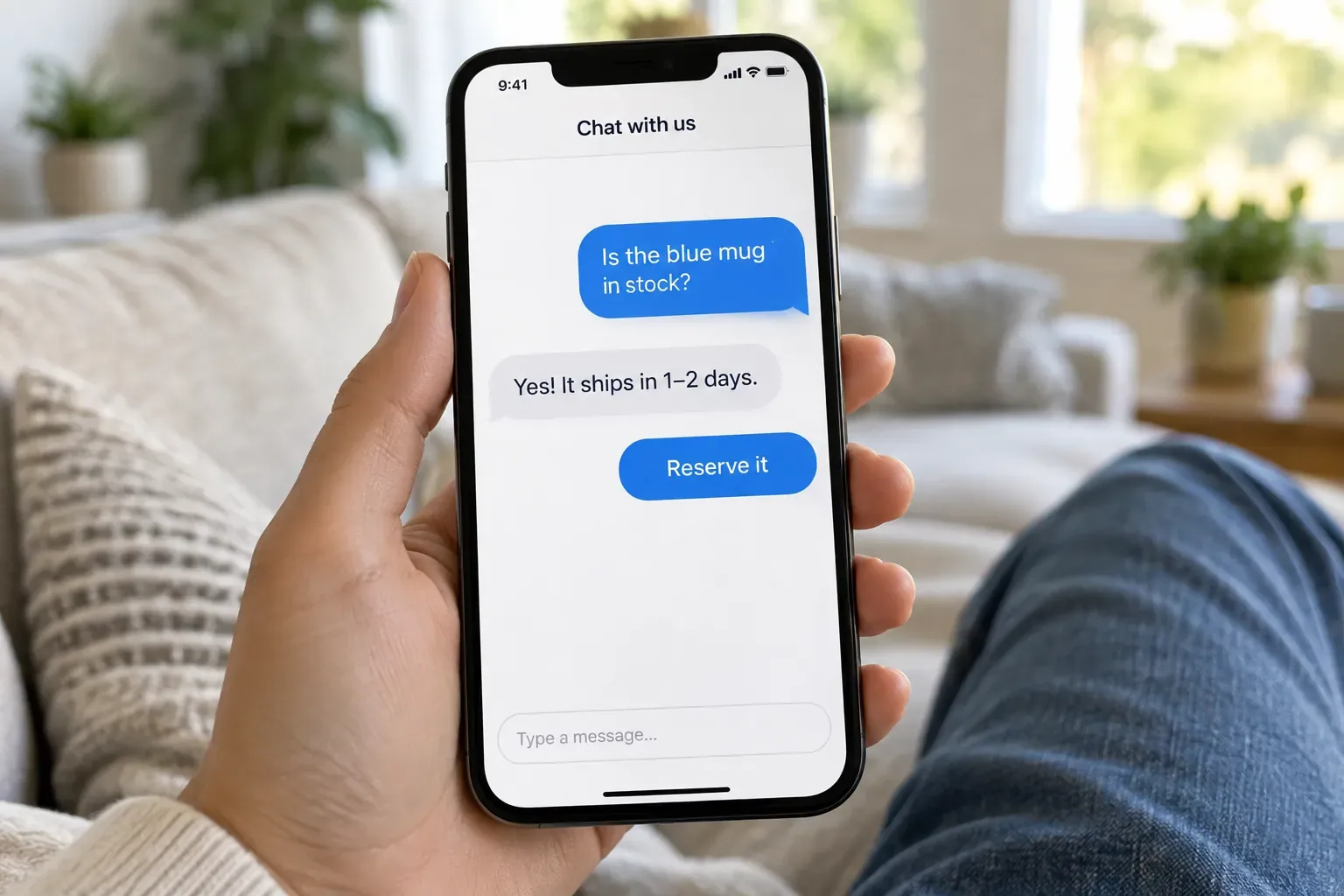
- An AI chatbot answers visitors' questions in plain language, using information from your site and documents.
- It can collect contact details, qualify leads, book appointments and check order status through integrations.
- It must answer only from approved information and hand the conversation to a person when it is unsure.
- Running costs depend on the number of conversations and the AI model, on top of the setup.
Contents 7 sections
An AI chatbot on a business website answers visitors' questions in plain language, any time of day, using information from your site, price lists and documents. Unlike old menu-based bots, it understands questions written in any form. It can also collect contact details, qualify leads, book appointments and check order status when connected to your tools. It works best for the questions your team answers every day, and it needs clear limits on what it may say.
What can an AI chatbot do?
- Answer common questions. Prices and price ranges, service areas, hours, delivery and returns, what is included and how the process works.
- Help choose. Ask a few questions and suggest the right service, plan or product, with a link to the page.
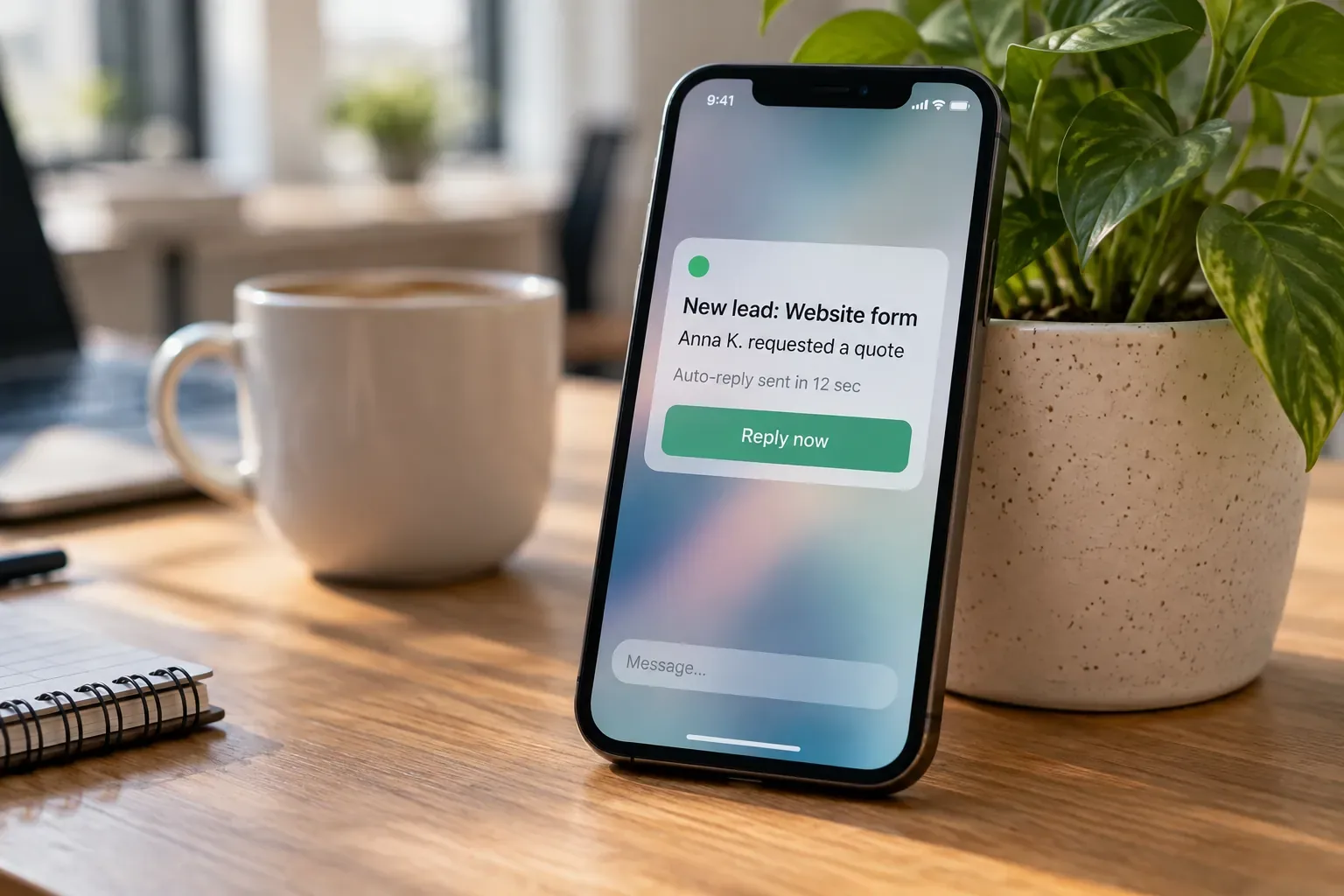
- Capture leads. Collect name, email or phone and the details of the request, then send them to your CRM or inbox.
- Book appointments. Offer free slots and book them in Google Calendar, Calendly or your booking system.
- Check orders. In a store connected to Shopify or WooCommerce, tell the customer the status of their order.
- Work in several languages. Answer in the visitor's language from the same knowledge base.
How does it work?
The chatbot runs on a large language model, such as the models behind ChatGPT, Claude or Gemini. Your content, such as service pages, FAQs, price lists and policies, is prepared as a knowledge base. When a visitor asks something, the system finds the relevant parts of the knowledge base and the model writes an answer based on them. Rules in the setup tell the model what it may and may not do, when to ask for contact details and when to hand over to a person.
Where do AI chatbots fail?
- Answers from general knowledge. If not limited to your content, the model can invent prices, promises or policies.
- Outdated information. Prices change, the knowledge base does not, and the bot quotes old numbers.
- No exit to a person. A visitor with a complex or emotional issue stuck in a loop with a bot leaves angry.
- Pushing too early. A bot that asks for a phone number before answering anything feels like a trap.
- Sensitive topics. Medical, legal or financial advice needs a person, and the bot should say so.
How do you set up a chatbot safely?
- Collect the questions. Take real questions from emails, chats and calls for the last few months.
- Write approved answers. Clear answers to those questions, with prices, timelines and conditions, become the core of the knowledge base.
- Set the limits. Answer only from the knowledge base, say when it does not know and offer to pass the question to the team.
- Define the handoff. When the bot sends a conversation to a person, by which channel and with what summary.
- Connect the tools. CRM for leads, calendar for bookings, store for orders.
- Test with real questions. Including tricky ones, such as discounts, complaints and competitors.
- Review conversations weekly. Fix wrong answers and add missing ones to the knowledge base.
Which businesses benefit most?
- Clinics, salons and studios that answer the same booking questions all day.
- Online stores with questions about sizes, delivery, returns and order status.
- Service businesses that get leads outside working hours.
- Companies with clients in other time zones, who write when your team is offline.
- B2B companies with complex offers where visitors need help finding the right option.
A chatbot makes less sense on a small site with few visitors and few repeated questions. A clear FAQ section and a fast reply to the contact form may be enough there.
How do you measure whether it works?
Track the number of conversations, the share answered without a person, leads and bookings captured by the bot and the share of conversations handed to the team. Read a sample of conversations every week. A chatbot that answers most routine questions correctly and passes the rest with a clear summary saves staff time and catches leads that would otherwise wait until morning.
What does it cost?
The cost has two parts. The setup covers the knowledge base, rules, integrations, design of the chat window and testing. Running costs cover the AI model per conversation and, if used, a chat platform subscription. Our AI chatbot setup starts from $300, and the running costs depend on the number of conversations. For leads who need follow-up after the chat, see speed to lead and automated follow-up.
Questions and answers
Will an AI chatbot give wrong answers?
It can, if it is allowed to answer from general knowledge. A well-built chatbot answers only from your approved content, says when it does not know and passes the conversation to a person. Test it with real customer questions before launch.
Do I have to tell visitors they are talking to AI?
It is good practice everywhere, and some US states, such as California, require disclosure when a bot is used to sell to people. A short note in the chat window, such as AI assistant, is enough.
Can the chatbot work in WhatsApp and Instagram?
Yes. The same assistant can answer on the website, in WhatsApp, Facebook Messenger and Instagram direct messages through their business APIs, with one knowledge base for all channels.
What does an AI chatbot cost to run?
Besides the setup, you pay for the AI model per conversation and sometimes for a chat platform. For most small businesses, the monthly running cost is modest compared with the time staff spend answering the same questions.
Thank you. Share the article with someone who needs it.
Tell us what was missing in the article and we will reply. Ask a question