The service name is unknown
An owner knows what happened but not whether they need an inventory, a legalization or an ownership registration. Without guidance, they spend a long time explaining everything by phone or put the matter off.
Websites, online stores, apps, integrations and support
Google Ads, Instagram and Facebook, Microsoft Ads, TikTok, ChatGPT and marketplaces
Google Search, Google Maps and answers in ChatGPT, Gemini and Google AI
Instagram and TikTok management, Reels and design
GA4, Google Tag Manager, Conversions API and reports
Chatbots, AI agents, workflow automation and CRM
Email campaigns and automated email sequences
Marketing strategy and a free website audit
We built a corporate website for Pravoproekt, a company that prepares property documents. An apartment or house owner usually knows only their own situation (they remodeled, inherited a home, are selling it), not the name of the service they need. The site had to match the owner's situation to the right service and explain how the paperwork goes before the first call.
I want a project like this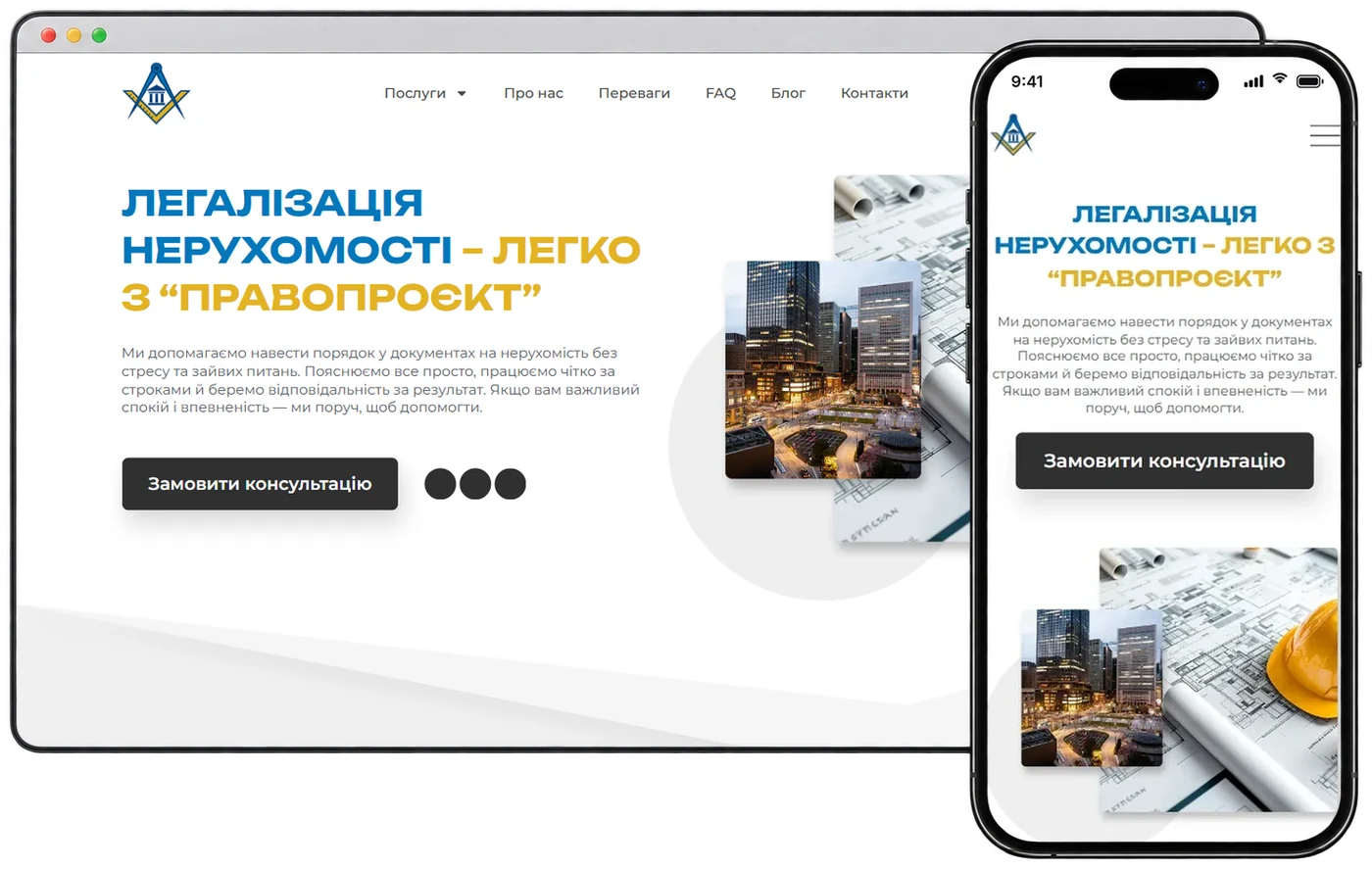
Pravoproekt handles property paperwork from technical inventory to finished documents. The company prepares technical passports, legalizes remodels and reconstructions, registers ownership, appraises property and prepares documents for sales, inheritance and commissioning of new buildings.

An owner knows what happened but not whether they need an inventory, a legalization or an ownership registration. Without guidance, they spend a long time explaining everything by phone or put the matter off.
Doing the paperwork yourself means queues, the risk of rejection at a government office and certificates from different agencies. Until it is clear who will handle it and how long it will take, the owner puts off getting in touch.
People search Google for these services word for word, for example “legalize a remodel” or “technical passport for a house”. A site with one general list of services does not show up for such searches.
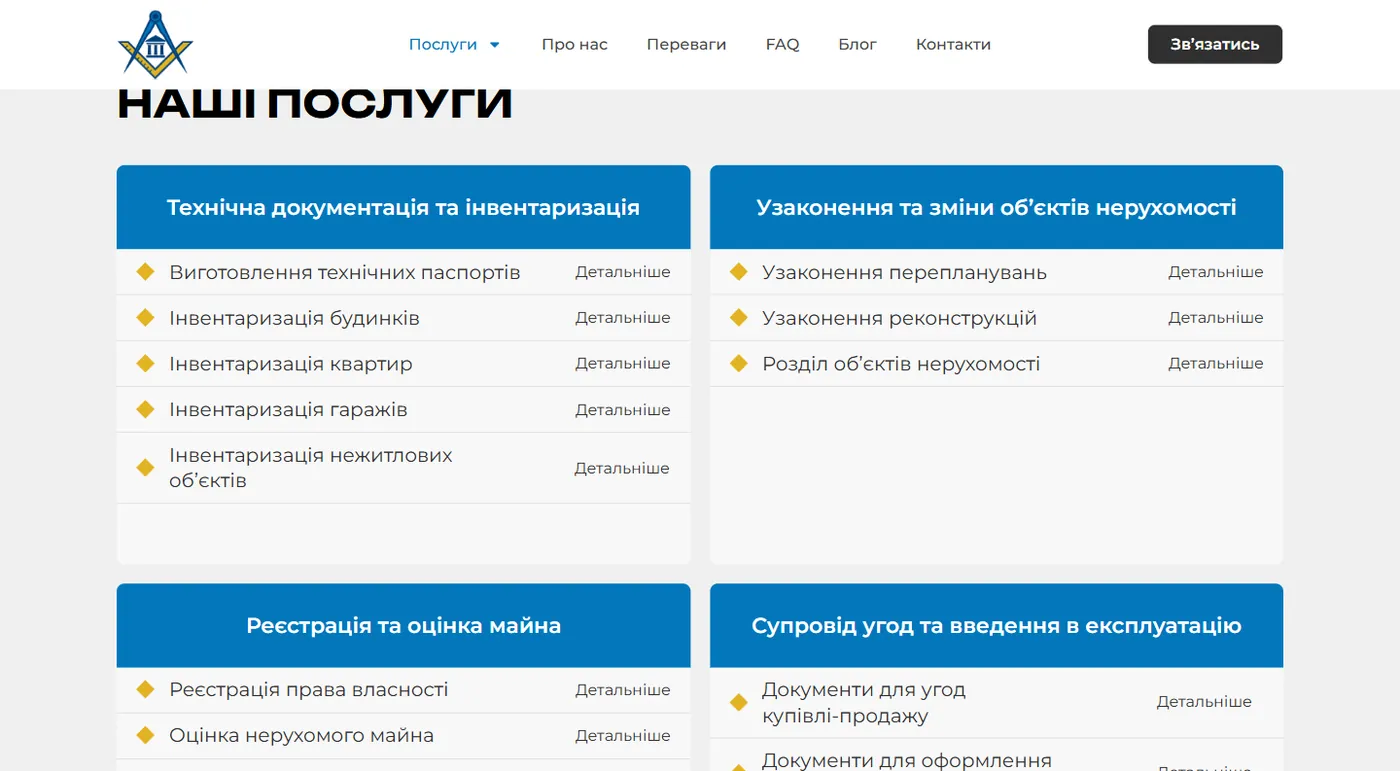
A long list of technical inventory services tells the owner of a remodeled apartment nothing. So the home page groups services by task, from technical documentation to deal support and commissioning, and a button in each group leads to a specific service. Someone selling a home opens deal support, someone who remodeled opens the legalization group, and each reaches their service without a call.
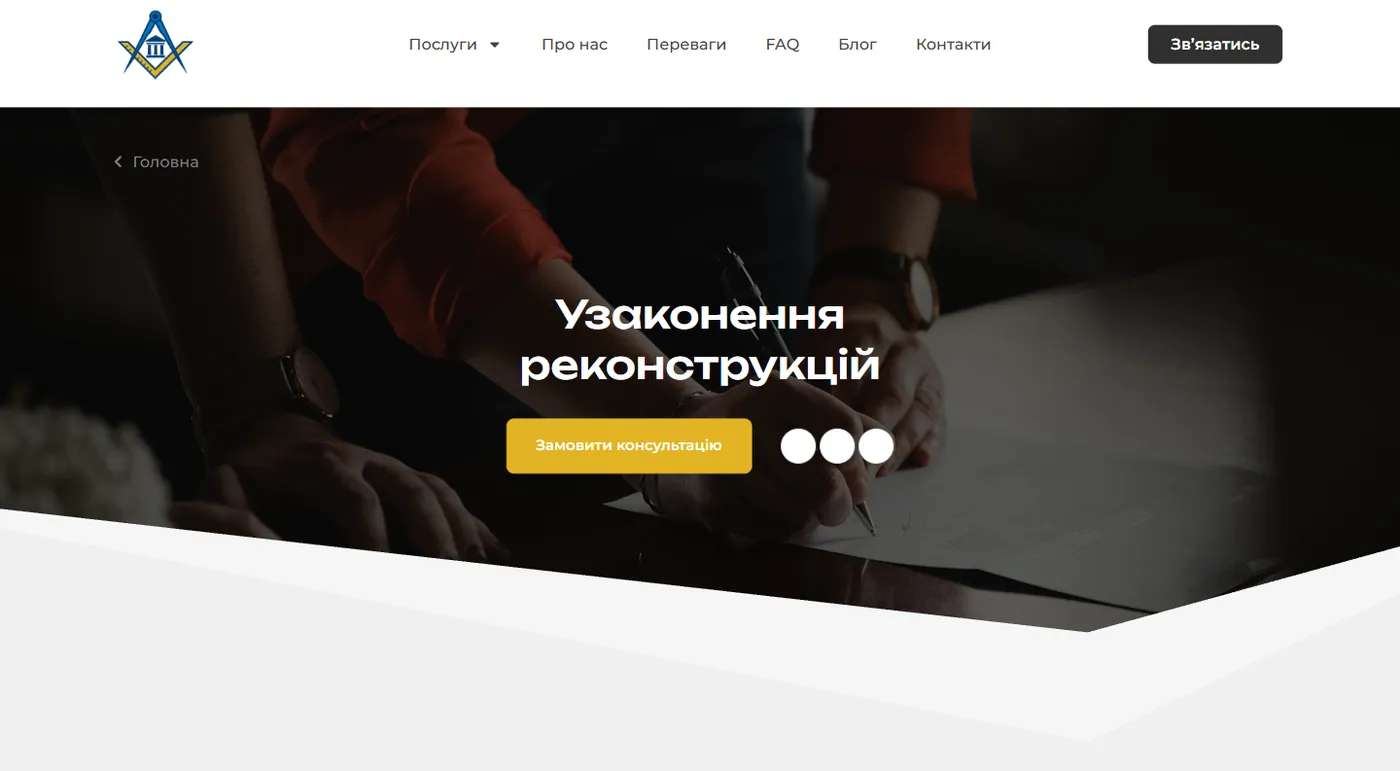
Someone searching for “legalize a remodel” expects to land on a page about exactly that. So every service, from a technical passport to a garage inventory, got its own page with a consultation button and links to related services. Google shows that page for the exact search, and the visitor sees from the first screen that they are in the right place.
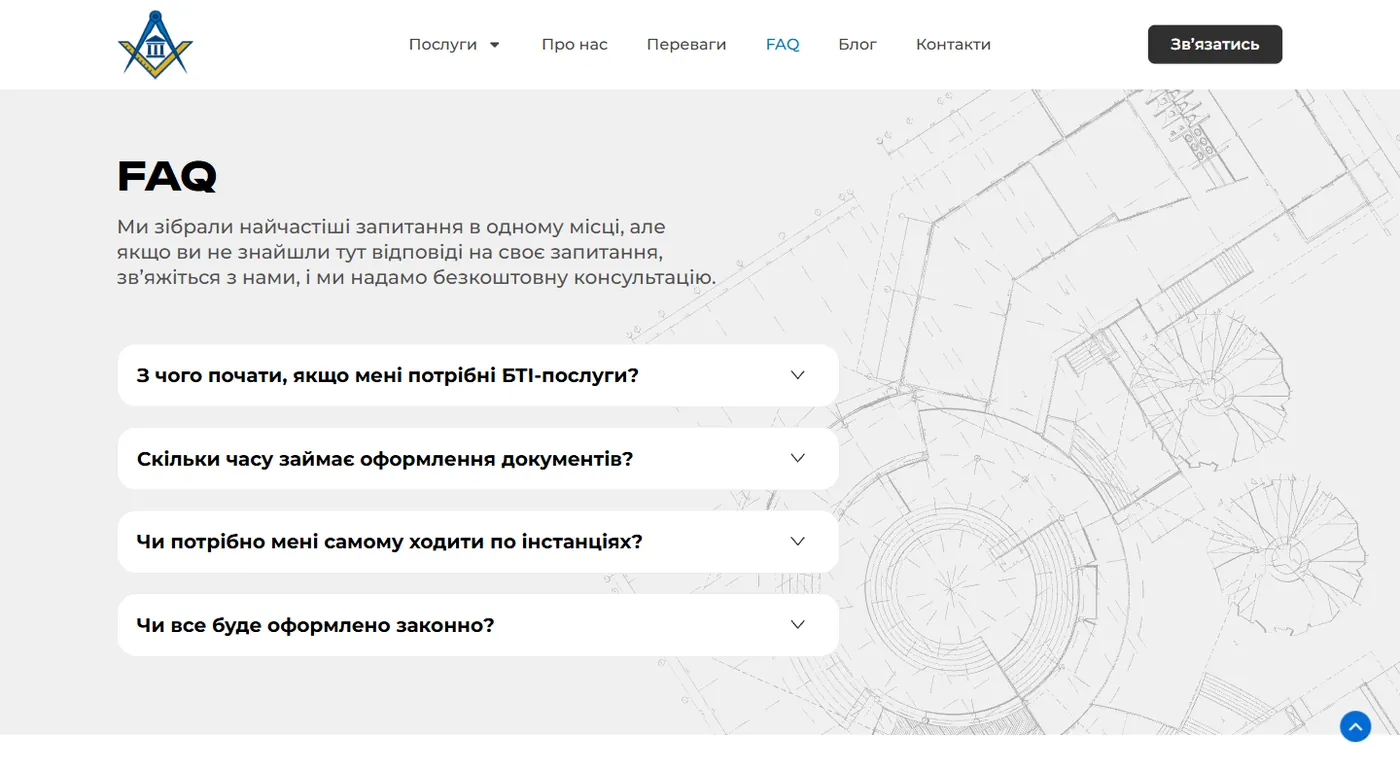
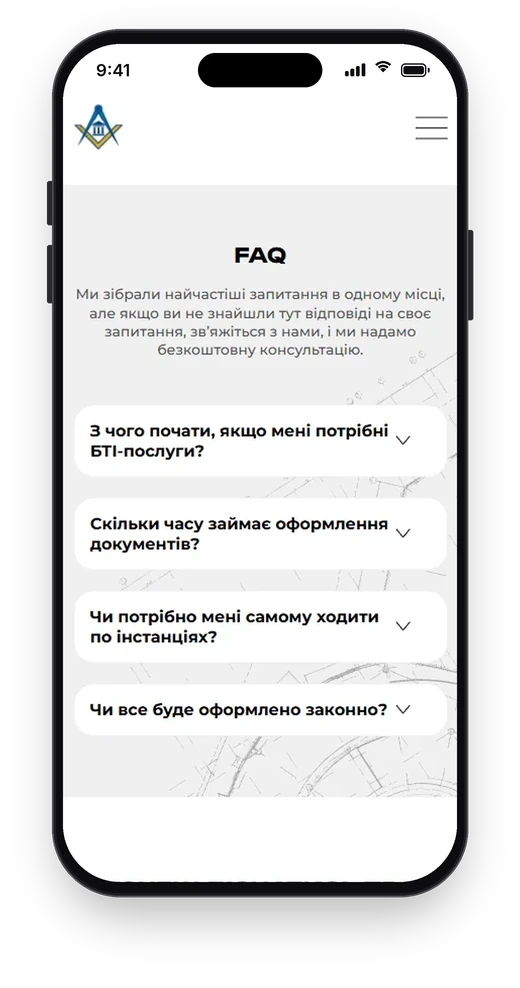
Before calling, an owner wants to know where to start, how long the paperwork will take and whether they will have to visit agencies themselves. So the home page and the service pages have FAQs with direct answers. The client calls already knowing that all they need to provide is a description of the situation, and that the company handles most agency visits.
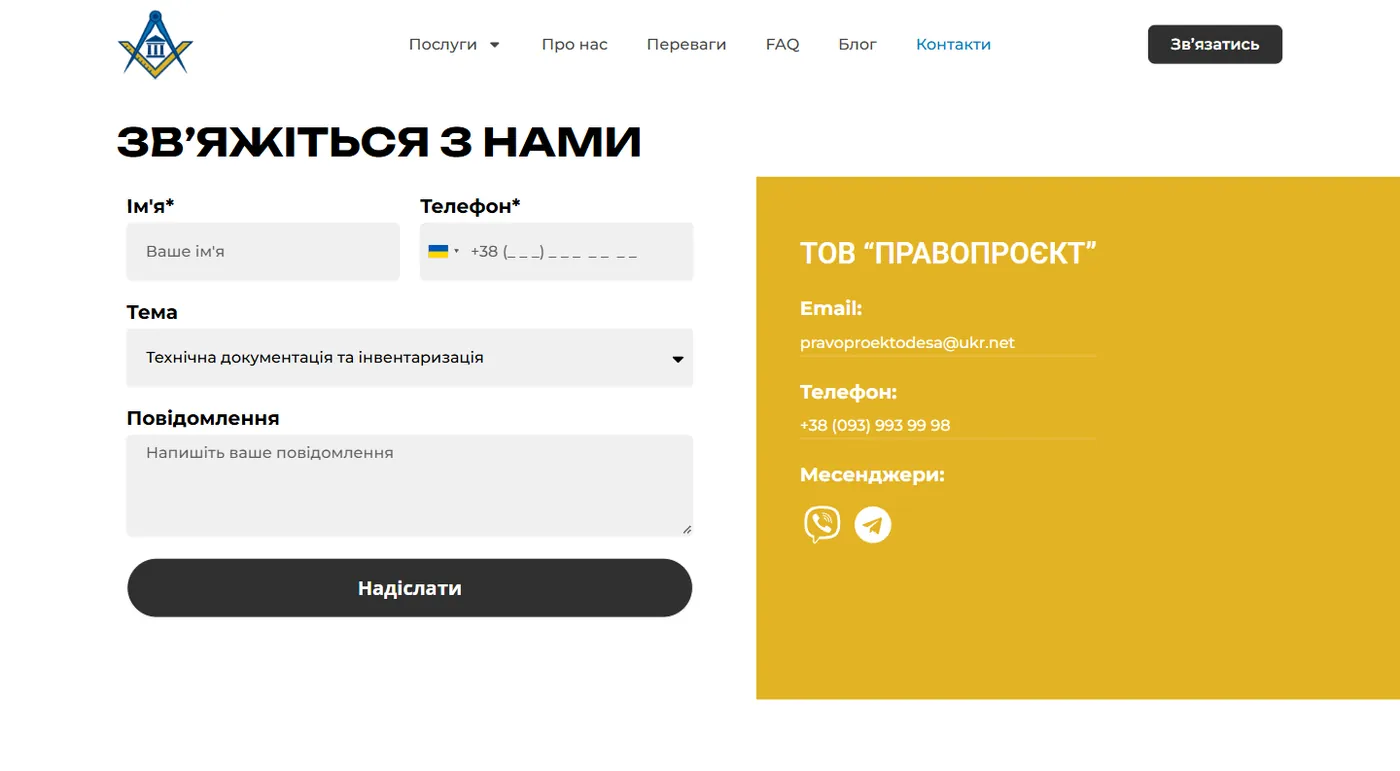
A manager needs to understand right away what matter the client came with. So in the request form the topic is chosen from the same groups as on the home page, and in the message the client describes the situation in their own words. The form sits in the contacts section and at the bottom of every page. The manager sees the topic and description and replies already understanding the case.
Articles answer the questions owners take to Google, for example how to avoid a rejection at a government office or what to check in a property before buying. They bring in people from search while those people are still figuring out their situation.
A dropdown menu in the header and lists in the footer lead to any service from any page. A reader who finished an article on dividing property gets to the service itself in one click.
Messenger buttons open a chat with the company right away, with no need to save the number. Anyone who finds it hard to talk on the phone describes the case in a message.
An owner who does not know the name of the service finds it by their situation and gets in touch with a specific case.
Visitors find the service on their own, and the manager does not have to work out every situation in conversation.
Service pages and blog articles answer exact searches, from a technical passport for a house to ownership registration.
The manager replies to a request already knowing its area and the essence of the case.
Before the call, the owner sees that the company works within the law and is responsible for the accuracy of documents.
The team edits articles and service copy in the WordPress admin on its own.
Lifetime guarantee on fixing bugs in our work, written instructions and training materials for the team.
If your question is not answered here, message us and we reply in writing.
Ask a questionThe Pravoproekt corporate website was built by the Bravo Digital team. The site has a separate page for every property documents service, a blog and a request form with a topic.
A corporate website from Bravo Digital costs from $350. We confirm the exact amount after a short brief, because it depends on the number of service pages and launch articles.
Yes. Every service gets its own page with a URL, heading and copy written for its search query, and the menu and footer link to it from across the site.
Yes. We build the blog on WordPress so the team can publish articles on its own, and we can write them as part of SEO/GEO management, which costs $100/mo.
Get a quote
Thank you!