- First check that conversions are tracked correctly. A broken tag makes good campaigns look like failures.
- Then read the search terms report. Irrelevant searches are the most common reason clicks do not convert.
- Check the landing page next. It must match the search, load fast on phones and make the next step easy.
- Settings such as location targeting, network selection and bidding without data quietly waste budget.
Contents 4 sections
- Step 1. Is conversion tracking working?
- 1. The conversion tag is missing or broken
- 2. The wrong action counts as a conversion
- 3. Leads are counted but not their quality
- Step 2. Are the ads reaching the right people?
- 4. Irrelevant search terms
- 5. Match types that are too loose for the data you have
- 6. Location targeting includes people outside your area
- 7. Search partners and Display Network are switched on
- 8. The bidding strategy has no data to learn from
- Step 3. Is the landing page converting the right visitors?
- 9. The ad sends people to the home page
- 10. The page is slow or hard to use on a phone
- 11. The offer is unclear
- 12. Leads arrive but nobody answers in time
- Which order should you check things in?
Google Ads stops converting for one of three reasons. The tracking does not record conversions that happen, the ads reach people who were never going to buy, or the landing page loses the people who were. Check them in that order, because each step depends on the one before. Here are the 12 causes we find most often when we audit an account, and how to fix each one.
Step 1. Is conversion tracking working?
1. The conversion tag is missing or broken
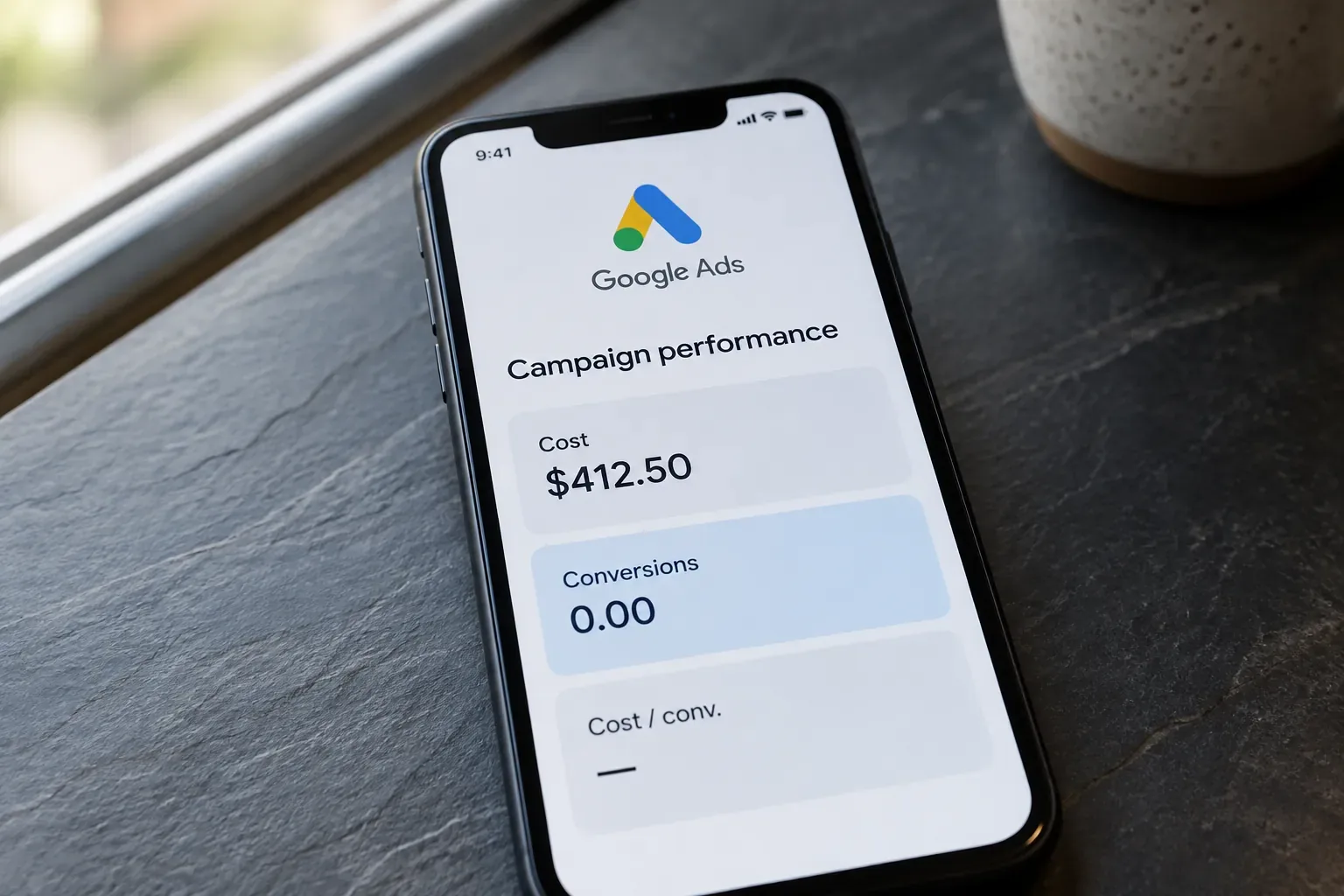
If the tag stopped firing after a site update, Google Ads reports zero conversions while leads still arrive. Submit a test form, then check in Google Ads under Goals that the conversion appears, and in Google Tag Manager preview mode that the tag fires on submission. Compare the number of leads in your inbox or CRM with the number in Google Ads for the last month.
2. The wrong action counts as a conversion
Counting page views, clicks on a phone number in the header or visits to a contact page inflates conversions with actions that are not leads. Smart Bidding then optimizes for the wrong thing. Set only real leads and sales as primary conversions, and keep softer actions as secondary for observation.
3. Leads are counted but not their quality
A form submission from a spammer counts the same as one from a buyer. If you track which leads became customers in a CRM such as HubSpot or Pipedrive, send that data back to Google Ads with offline conversion imports or enhanced conversions for leads. Bidding then learns from the leads that turned into revenue.
Step 2. Are the ads reaching the right people?
4. Irrelevant search terms
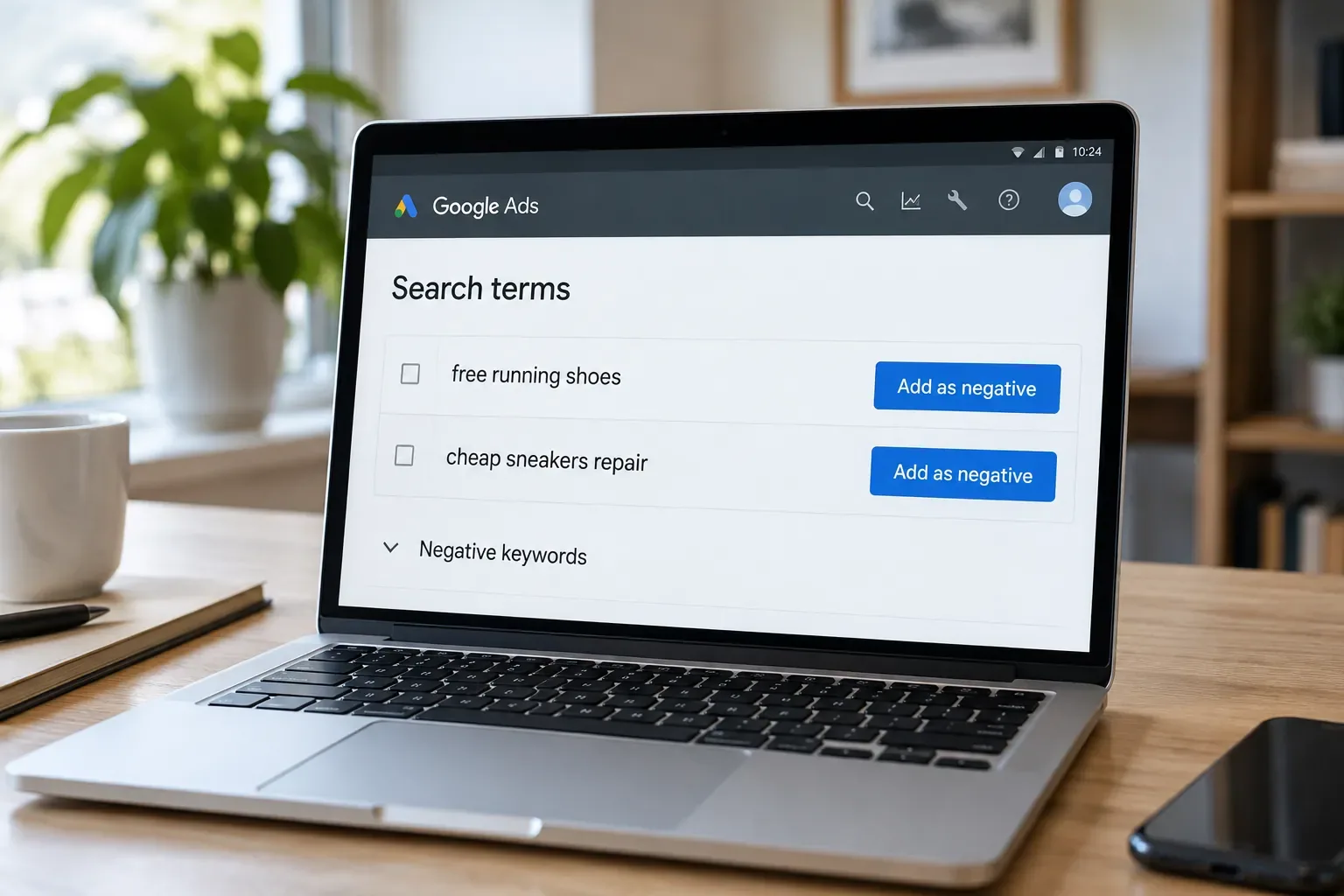
Open the search terms report. It shows what people actually typed before clicking. Searches for jobs, free versions, DIY guides or a different service often take a large share of the budget. Add them as negative keywords, and see our guide to negative keywords for lists that work in most accounts.
5. Match types that are too loose for the data you have
Broad match lets Google match your keyword to related searches. It works well with good conversion data and Smart Bidding. In a new account, it often brings loosely related traffic. Start with phrase and exact match for your core services, then expand once conversions are tracked reliably.
6. Location targeting includes people outside your area
The default location option targets people in or interested in your location. A plumber in Dallas does not need clicks from people in another state who searched for Dallas. In campaign settings, choose "Presence" so ads show only to people in or regularly in your area.
7. Search partners and Display Network are switched on
New Search campaigns include the Search Partners network and sometimes the Display Network by default. Display placements bring cheap clicks from apps and websites, often with low intent. Check the networks in settings and the segment report by network, and switch off the ones that do not convert.
8. The bidding strategy has no data to learn from
Maximize Conversions and Target CPA need conversion data. With little or no conversion history, the algorithm spends to explore. A target CPA set far below what the account achieves can stop delivery or push the campaign to low-quality clicks. Start with manual CPC or Maximize Clicks with a bid limit, switch to conversion bidding once conversions are tracked and arriving, and set targets close to your real numbers.
Step 3. Is the landing page converting the right visitors?
9. The ad sends people to the home page
Someone who searched for "emergency roof repair" and lands on a home page about roofing, siding and gutters has to search again. Send each ad group to a page about that exact service, with the same wording in the headline as in the ad.
10. The page is slow or hard to use on a phone
Many ad clicks for local services come from phones. A page that takes several seconds to show, or a form with ten fields, loses people you already paid for. Check the page in PageSpeed Insights on mobile and fill in the form on your own phone. Our list of reasons a site is slow on mobile covers the usual fixes.
11. The offer is unclear
Visitors compare you with the three other ads on the page. If your page does not say what you offer, roughly what it costs, how fast you can start and why to choose you, they go back and click the next ad. Show prices or price ranges where you can, real photos of your work and reviews.
12. Leads arrive but nobody answers in time
Sometimes the campaign works and the follow-up does not. A request answered the next day often goes to a competitor who replied in minutes. Check how fast your team responds, and set up instant notifications and an automatic first reply.
Which order should you check things in?
- Tracking. Confirm that conversions are recorded and that only real leads count.
- Search terms. Remove irrelevant searches and tighten match types.
- Settings. Check location option, networks and the bidding strategy.
- Landing page. Match the page to the ad, speed it up and simplify the form.
- Follow-up. Make sure every lead gets a fast reply.
If you would like a second opinion, our Google Ads audit is free and covers these points for your account. Ongoing Google Ads management costs $100/mo, paid to us, while the ad budget goes straight to Google from your own card.
Questions and answers
How long should I wait before judging a Google Ads campaign?
Give a new campaign at least two to four weeks and enough clicks to make a judgment. If you get a hundred clicks with no conversions on a lead-generation campaign, something is wrong and should be checked before more budget goes in.
Why does Google Ads show conversions but I see no new leads?
The conversion action probably counts something other than a real lead, such as a page view, a button click or a visit to the thank-you page by people who did not submit a form. Check which actions are set as primary conversions and test a form submission yourself.
Should I use broad match keywords?
Broad match works best with Smart Bidding and reliable conversion data, because Google uses those signals to choose searches. In a new account without conversion history, phrase and exact match give more control while the data builds up.
What is a good conversion rate for Google Ads?
It depends on the industry, the offer and what you count as a conversion. Compare your campaigns with your own history and calculate the cost per lead you can afford from your average deal value and close rate.
Thank you. Share the article with someone who needs it.
Tell us what was missing in the article and we will reply. Ask a question